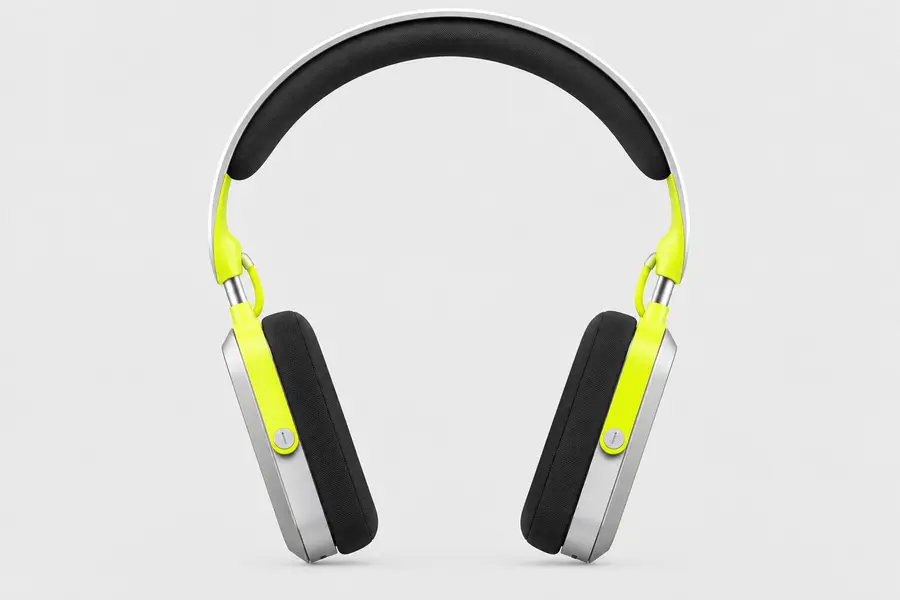
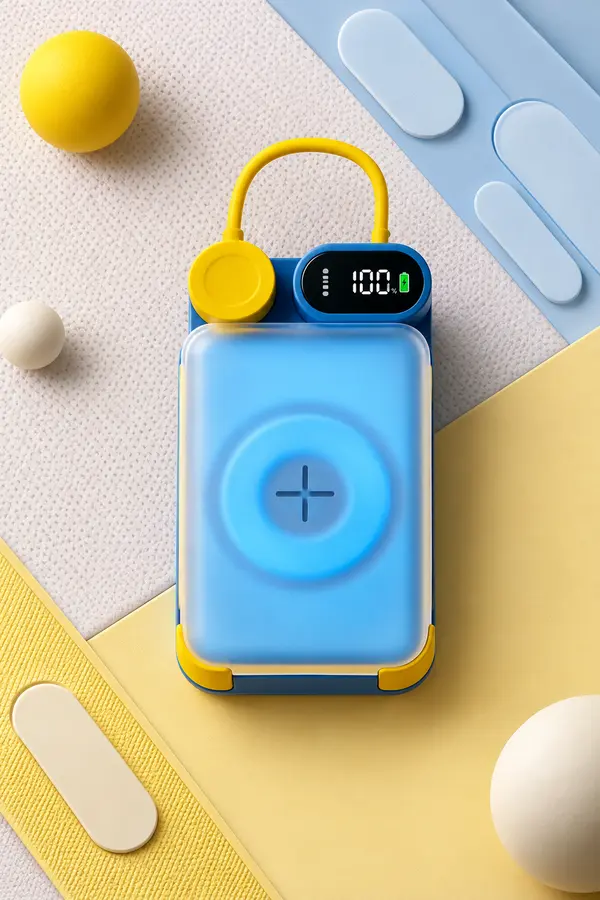
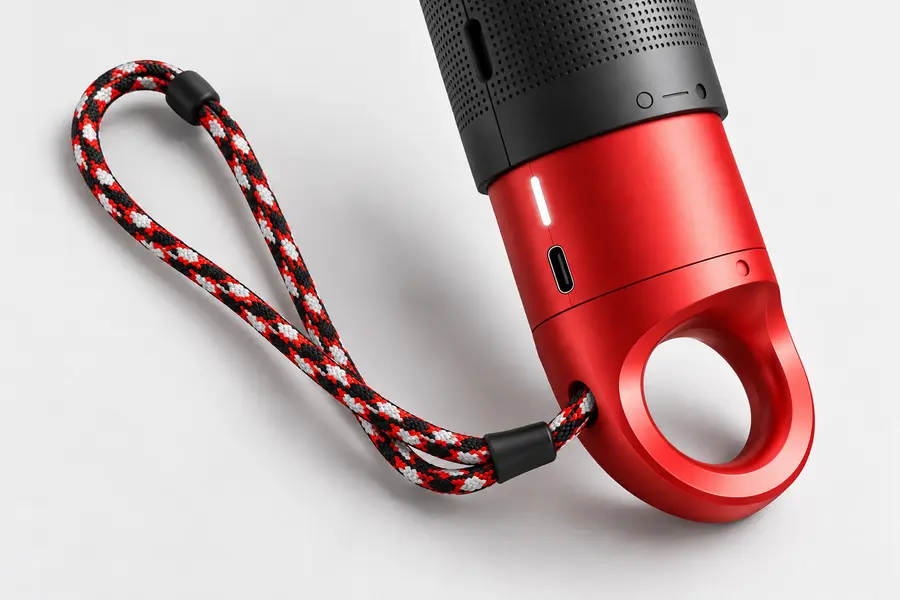
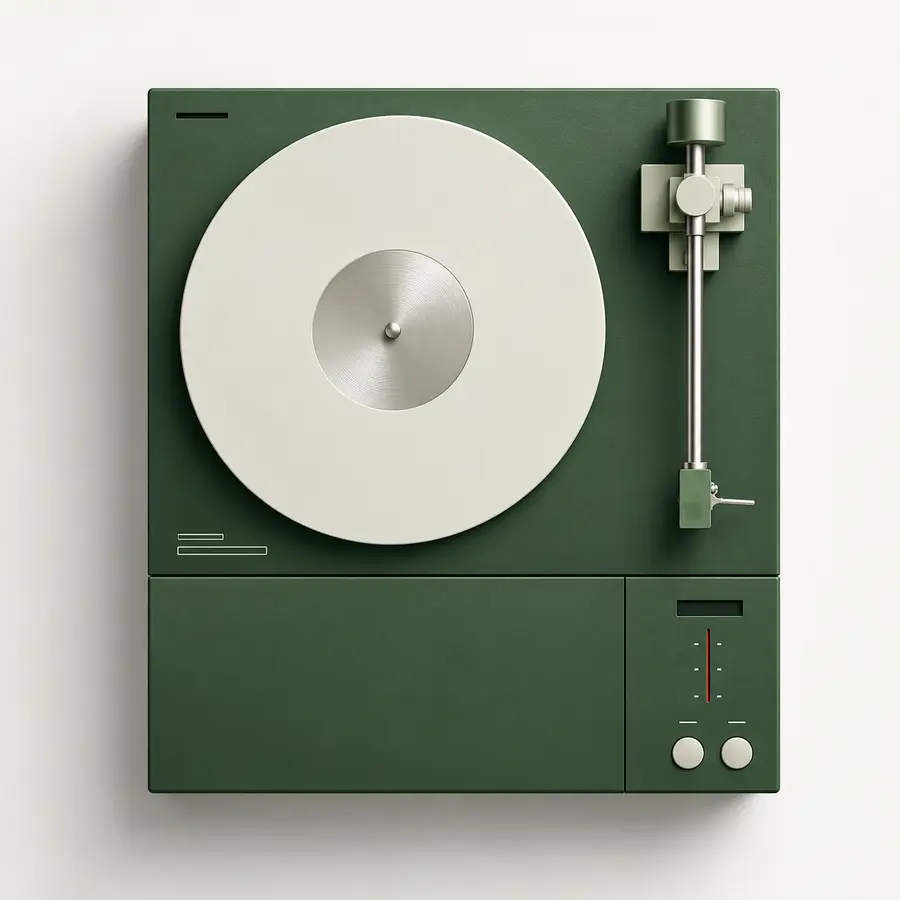
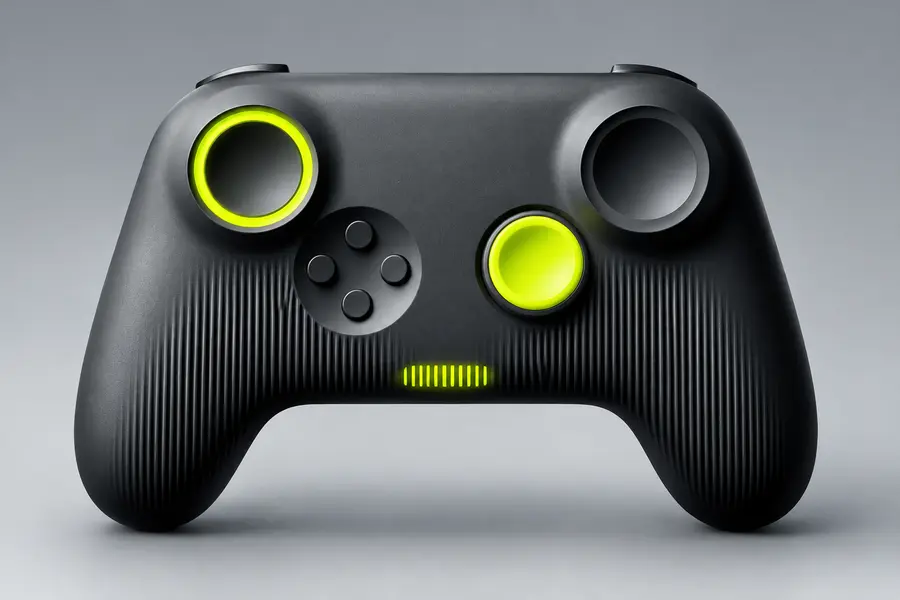
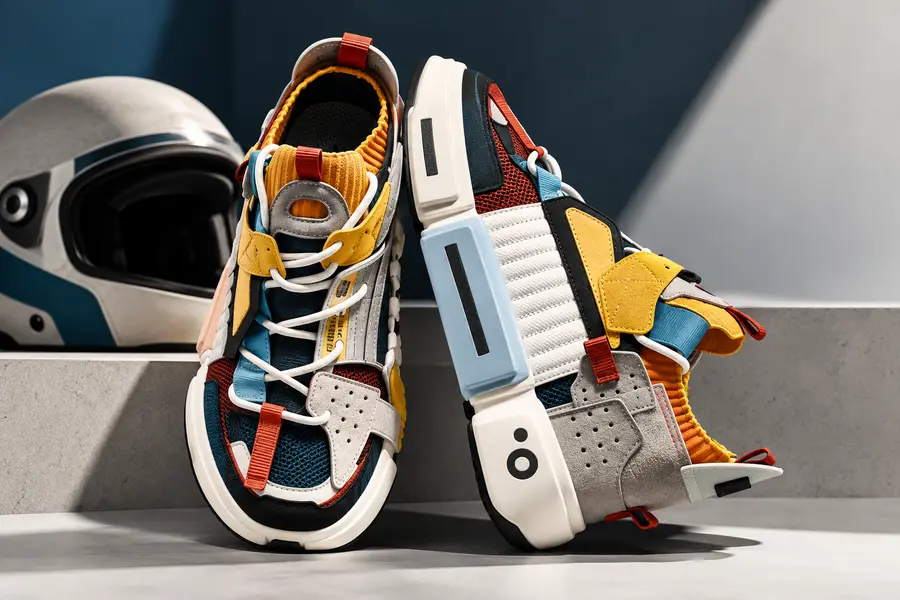
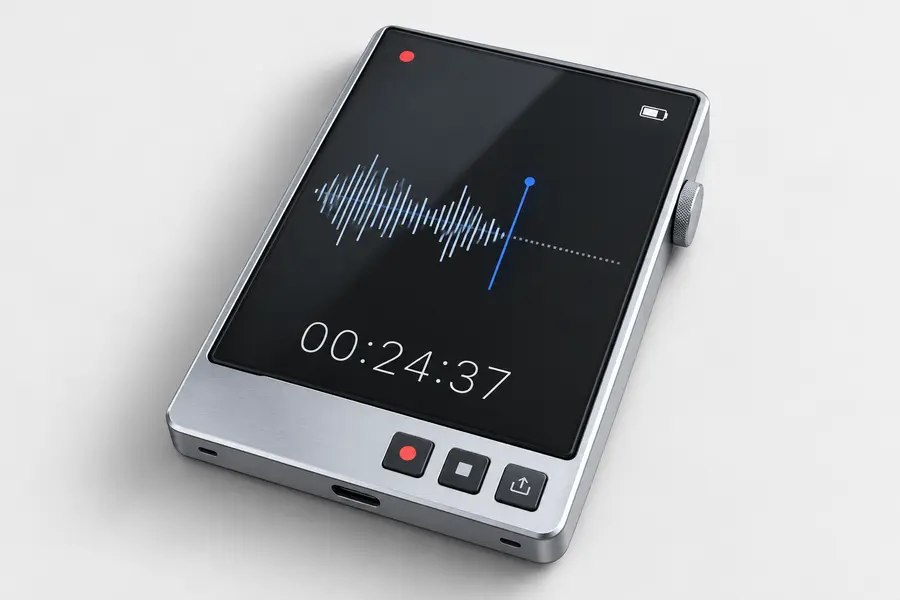
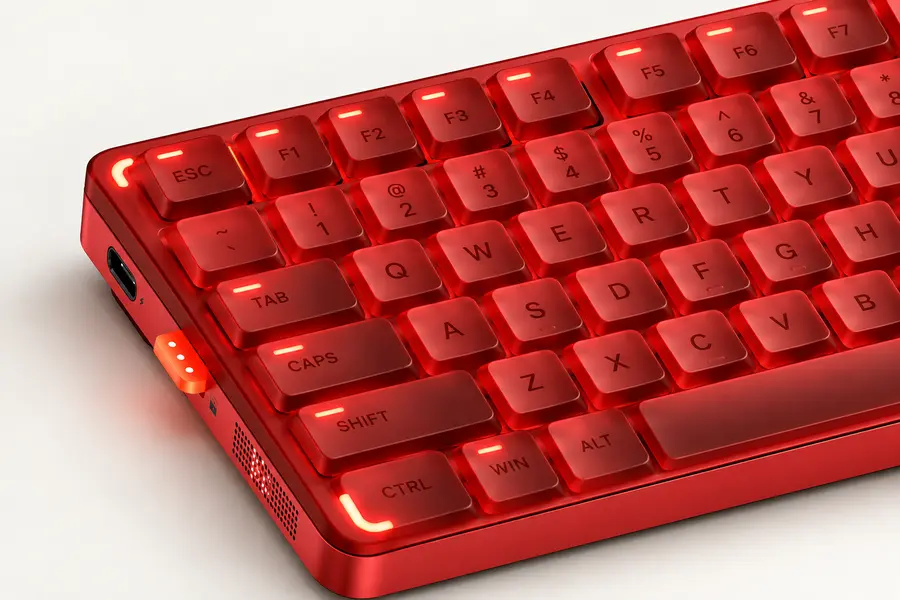
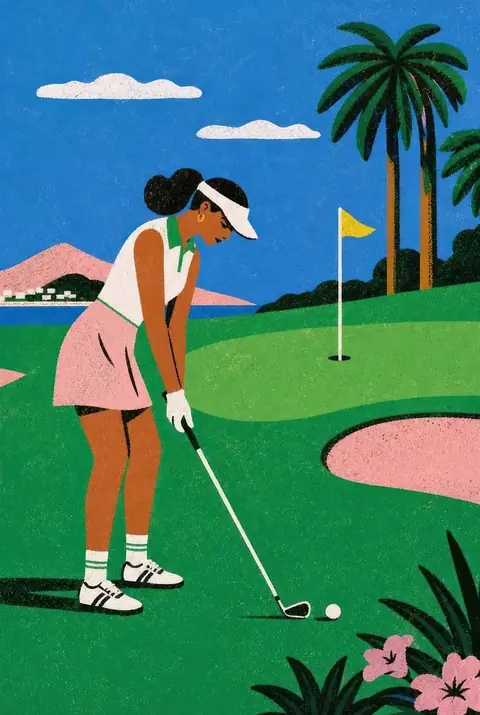
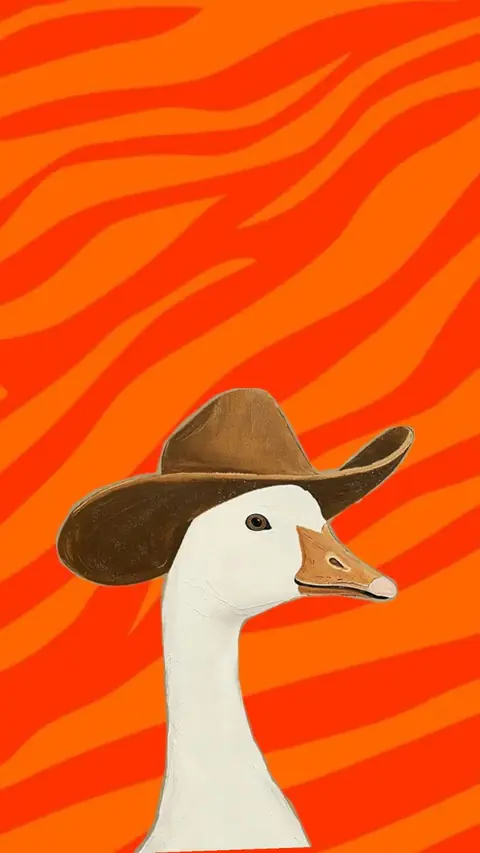
Your style.
In every image.
Build your brand style from images or a website. Then create matching illustrations, icons and designs.
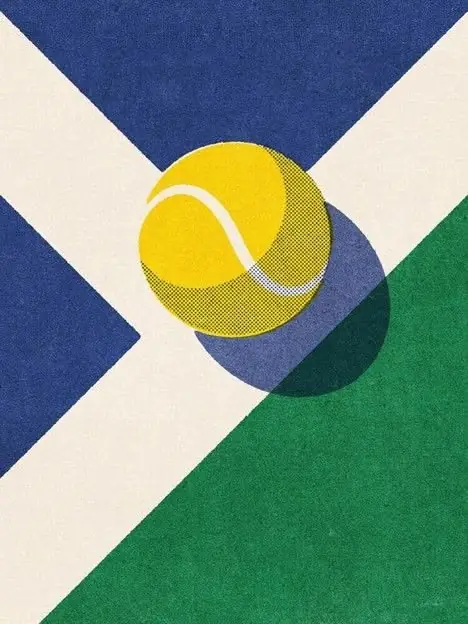

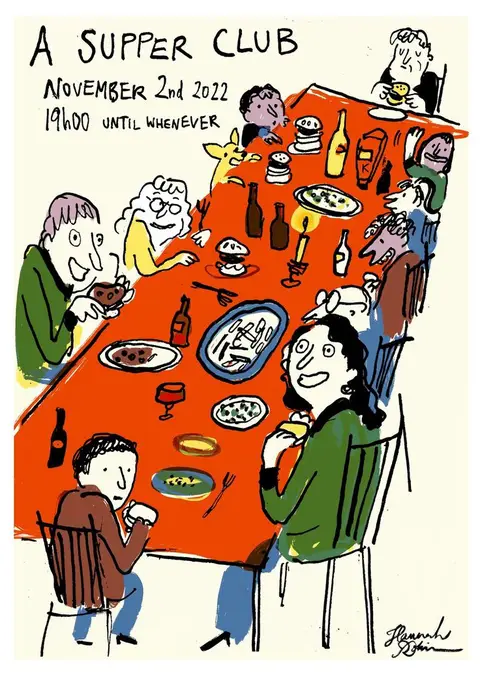
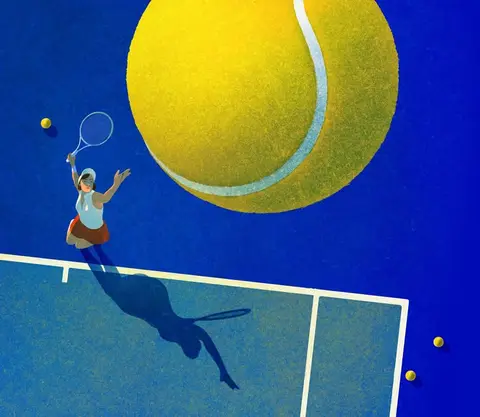
One style
for every kind of image.
From your first illustration to your next social post.
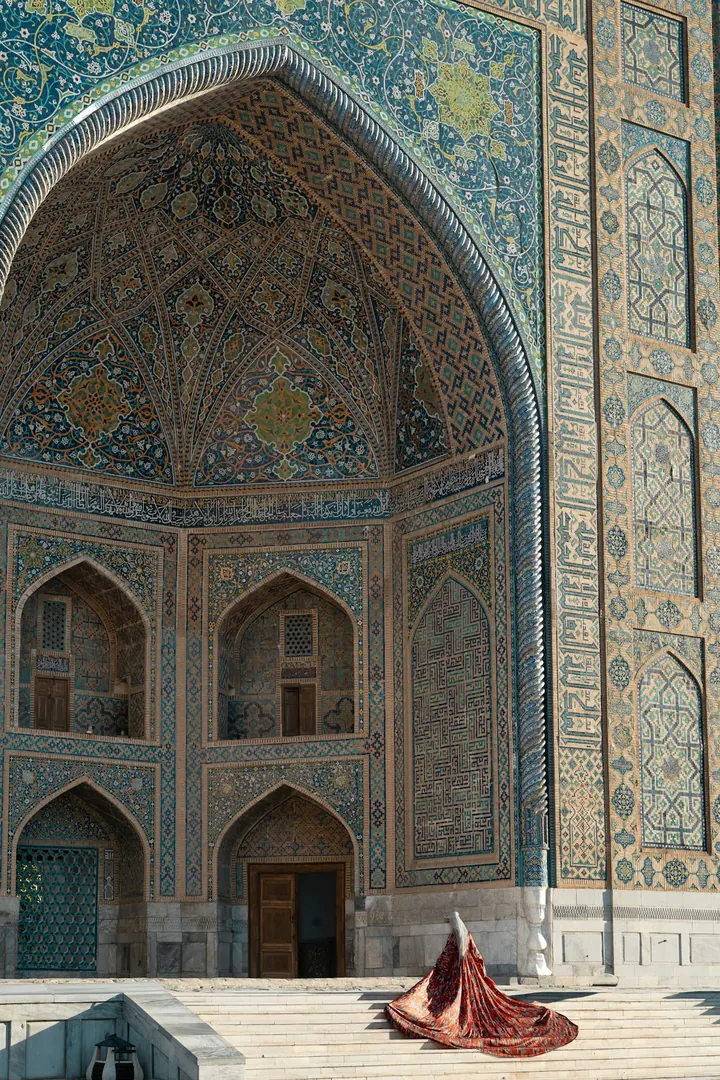
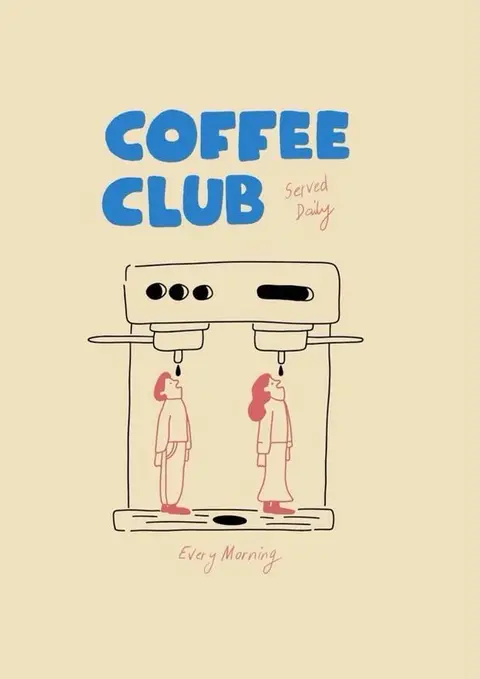
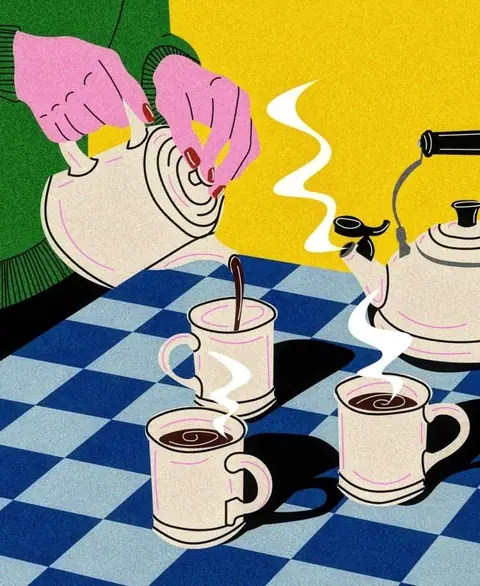
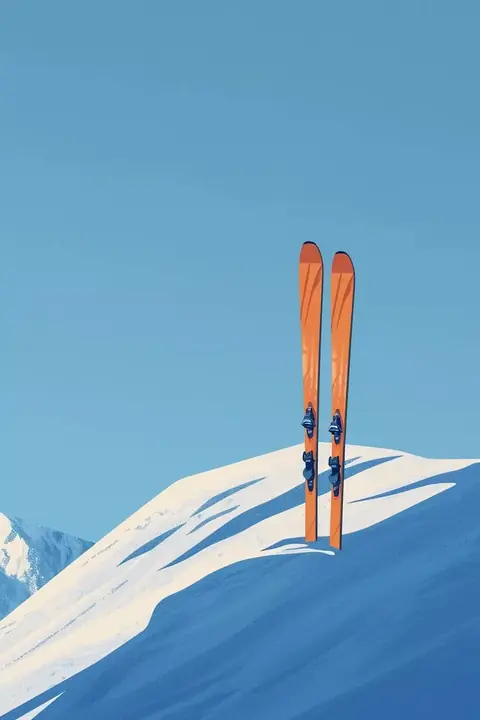
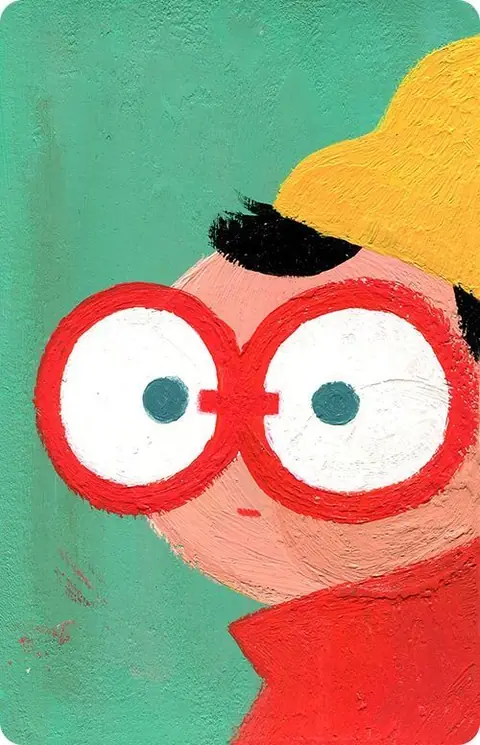
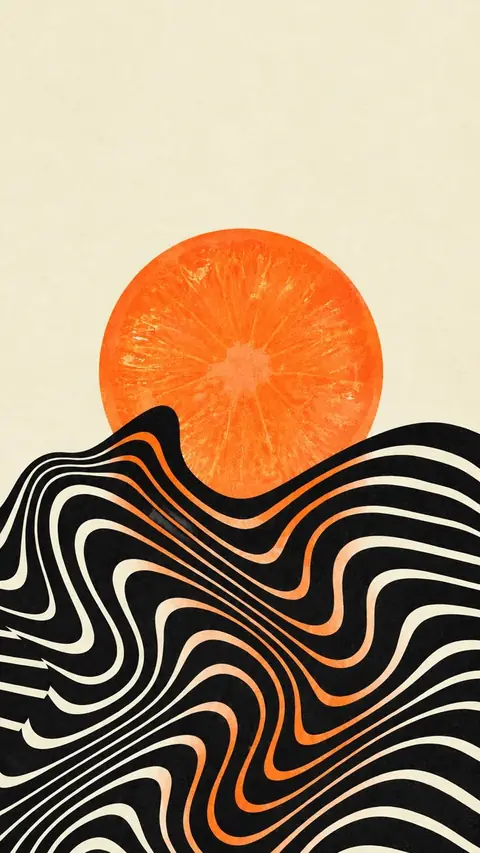
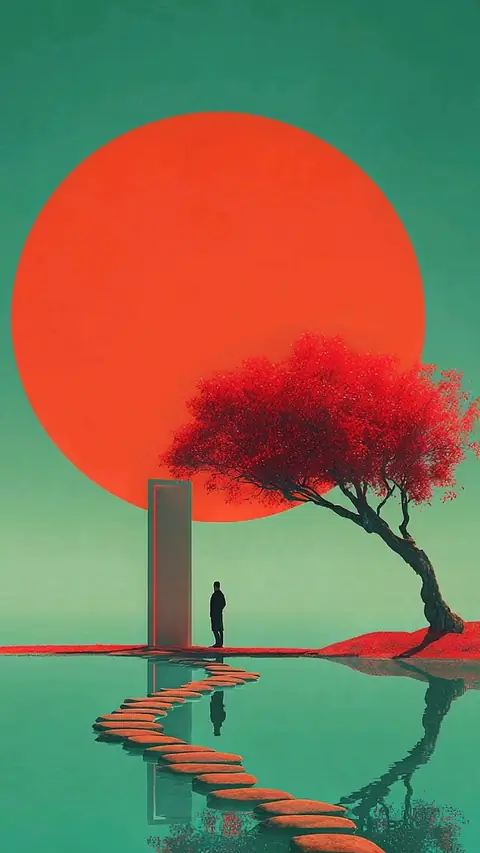
All images: sample project.
You don't need a designer anymore.
Or an art director. Just reference images.
KaroStudio derives your style guide from them and creates everything else with it.
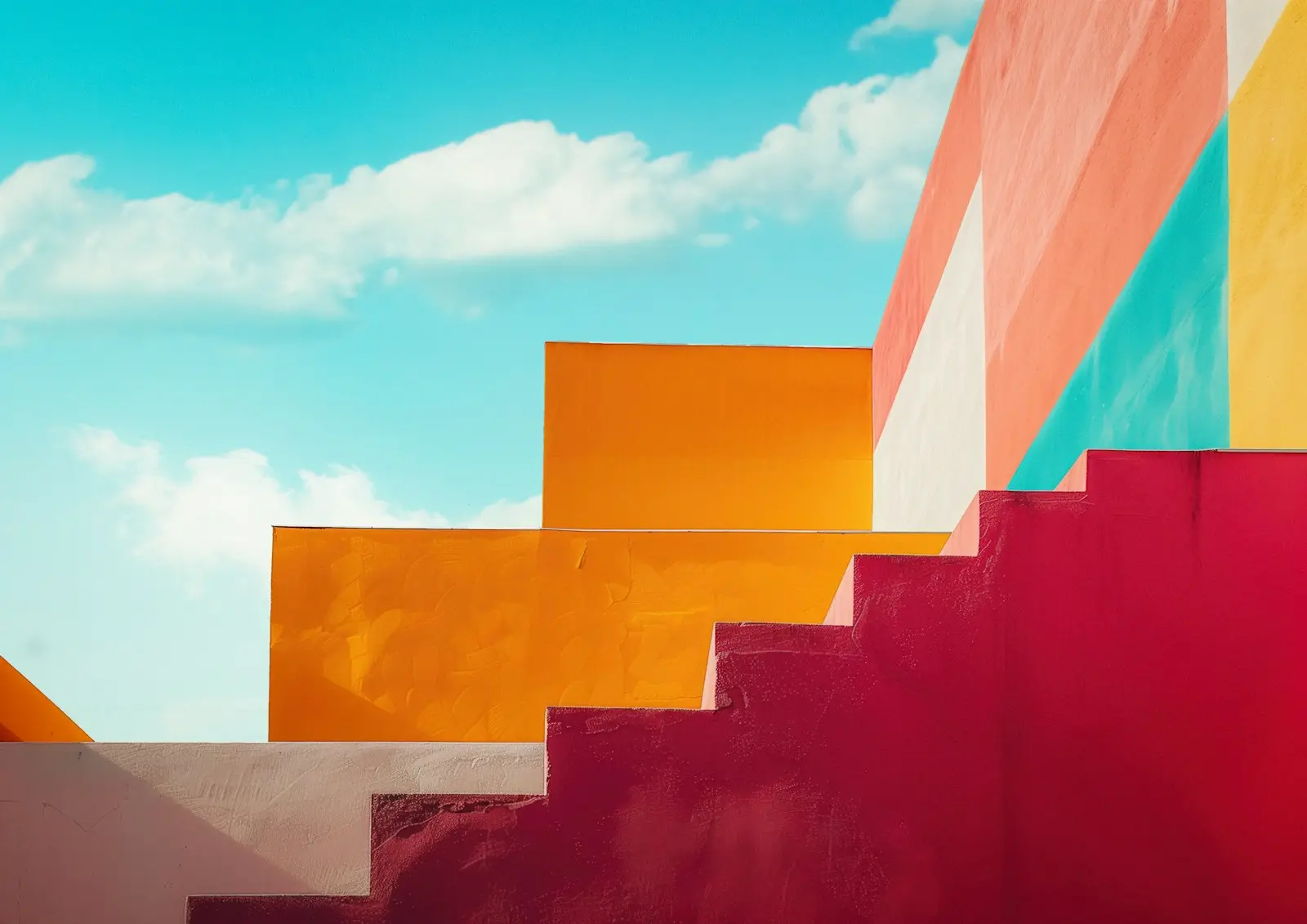
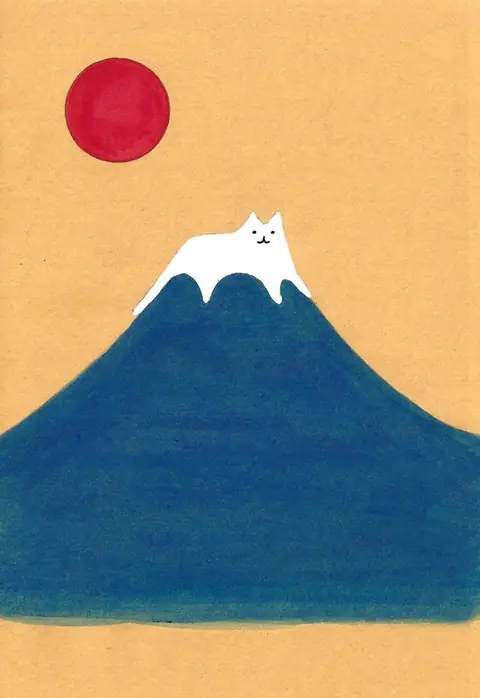
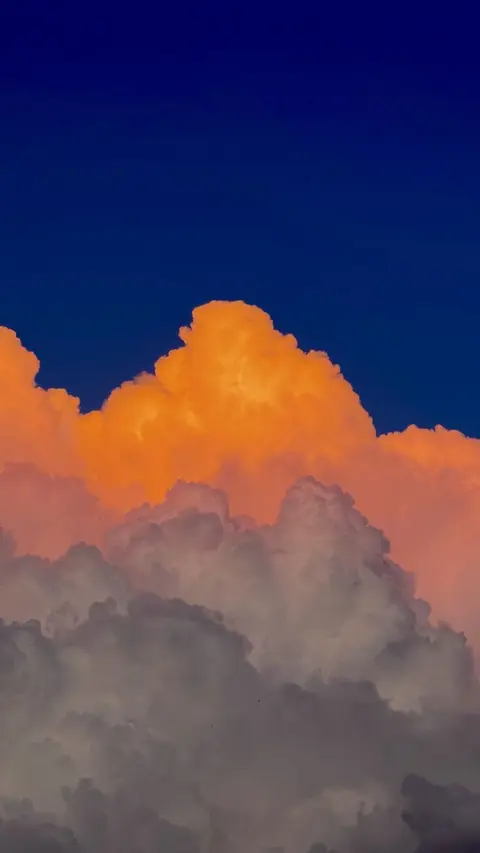
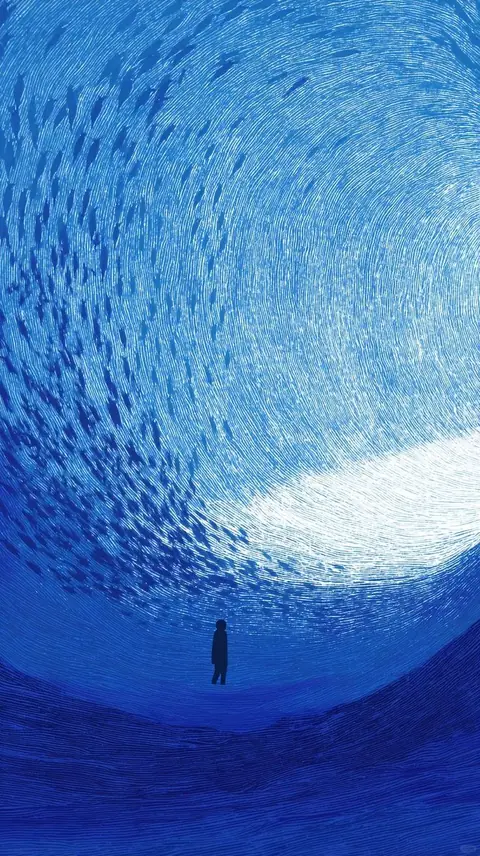
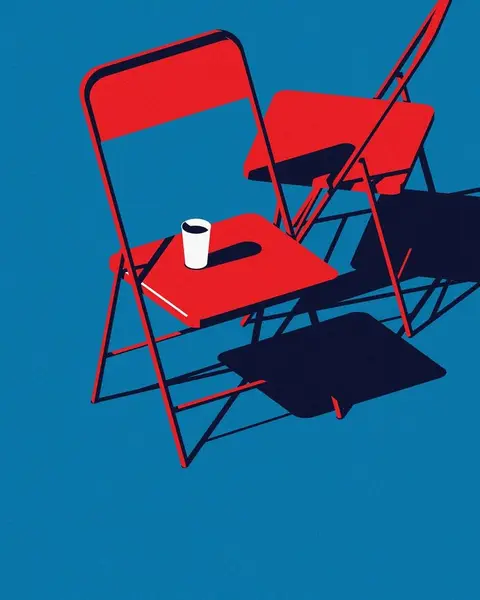
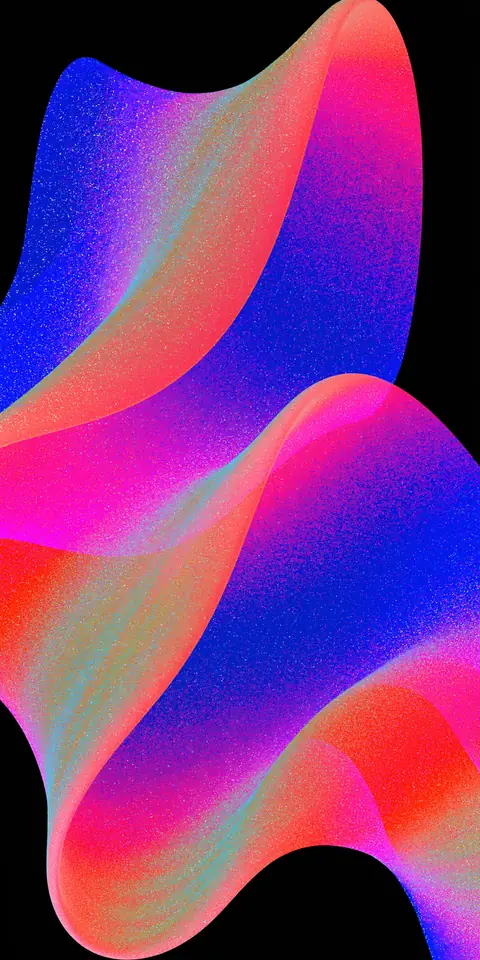
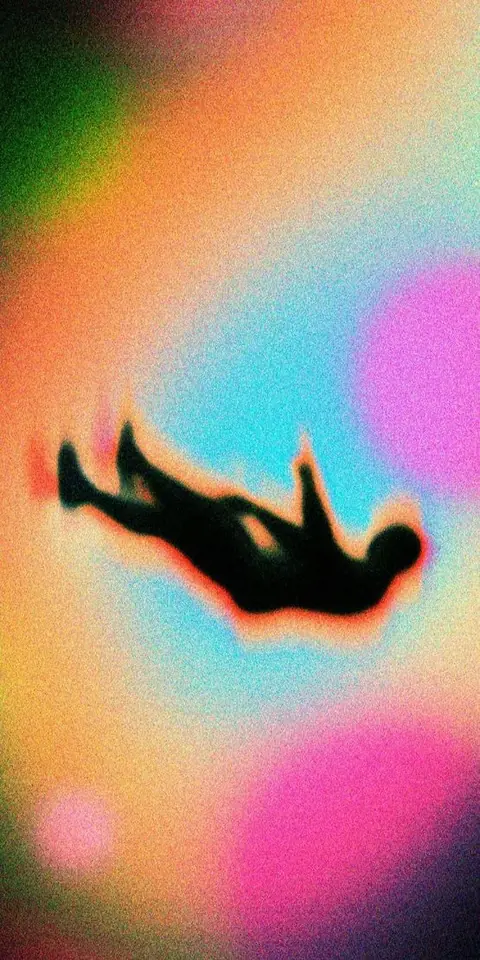
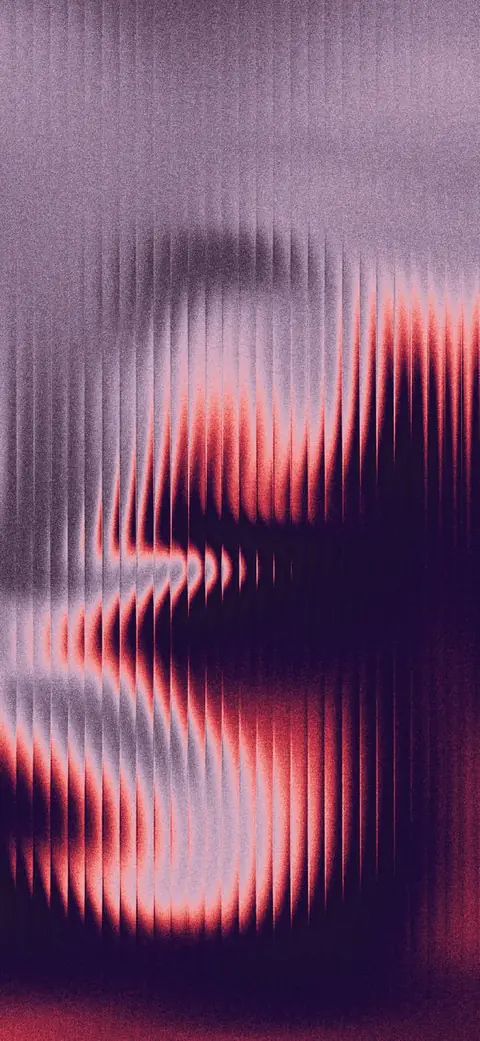
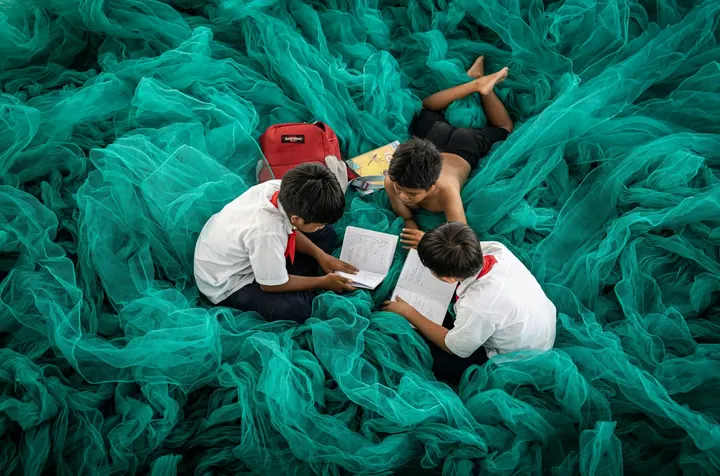
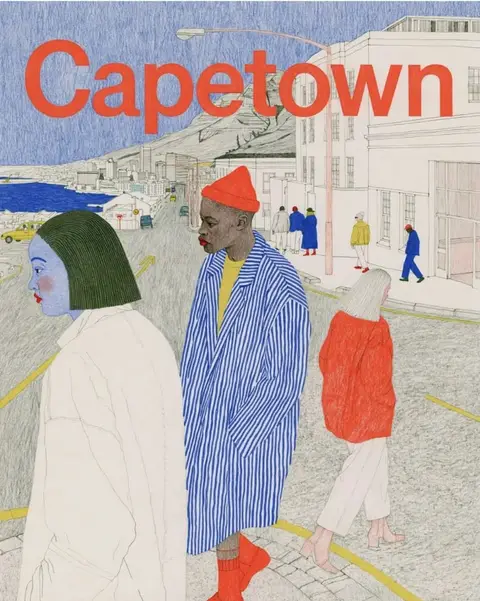

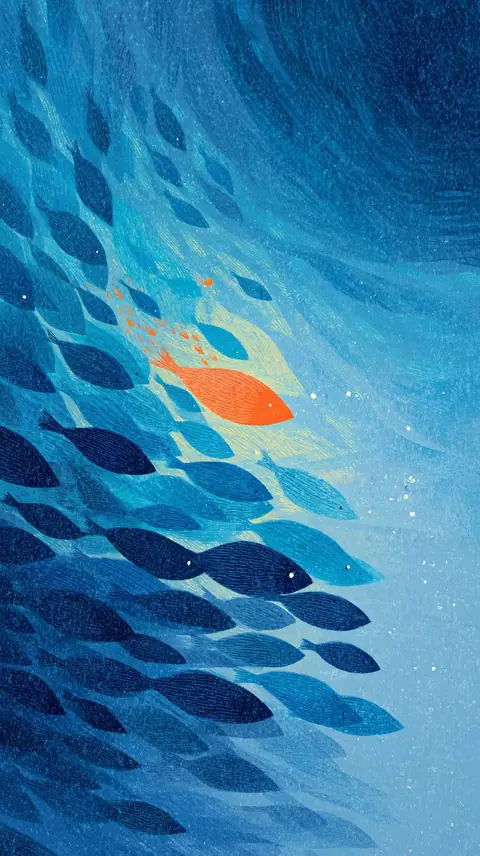
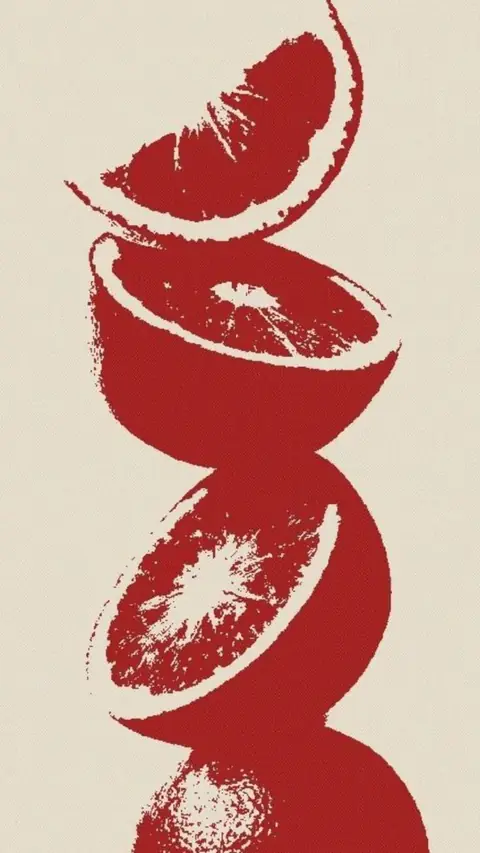
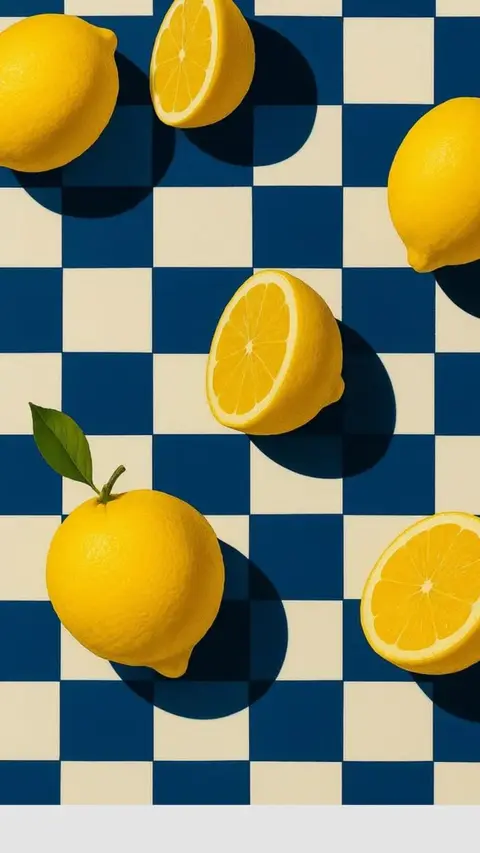
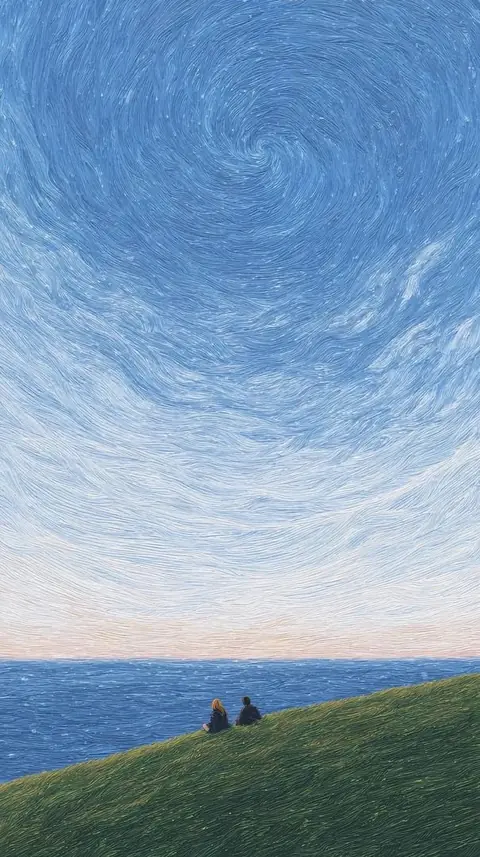
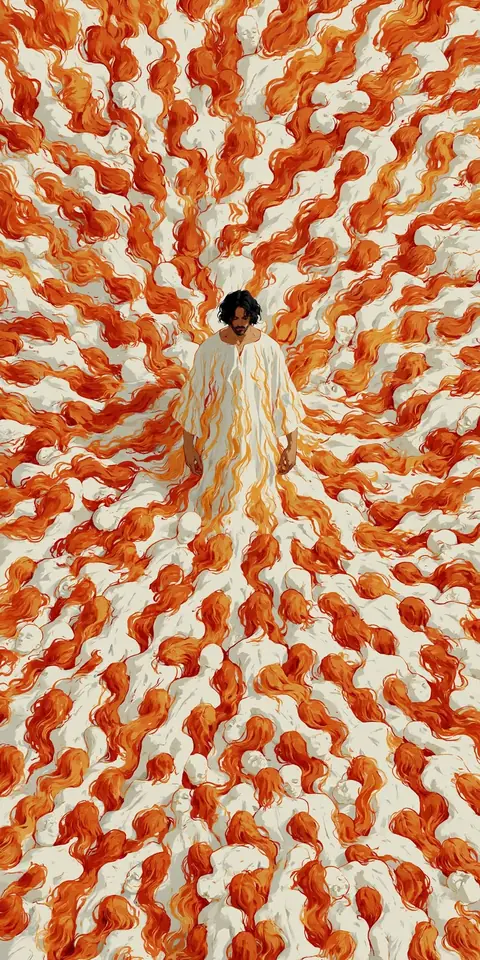
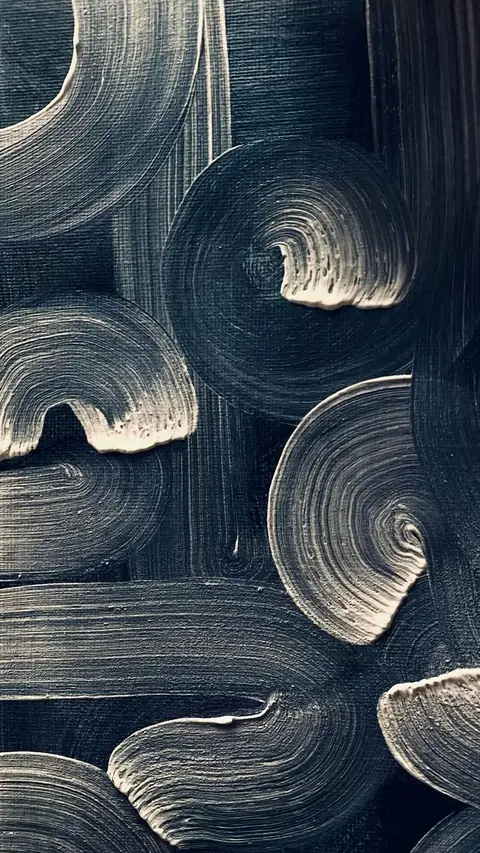
References are enough
Images you already have or collect, or a website. No briefing, no back and forth.
A website address will do
Enter an address and KaroStudio reads its colors, fonts and images. Ideal when you have no material of your own.
A complete style
Colors, lines, shapes, fonts, composition. From that come icons, illustrations, posts and formats.
AI fills the gaps
Whatever is still open, the AI fills in, with suggestions on how to make it even better.
- Write a briefing
- Find a designer
- Rounds of feedback
- Wait for weeks
- Upload references
- Review your style
- Done
From references to a style of your own.
Six steps. KaroStudio does most of the work.
- hafenkueche.de
01Collect references
Your own images, our templates or your website. Missing material? Just pick from our designs.
- Drop here
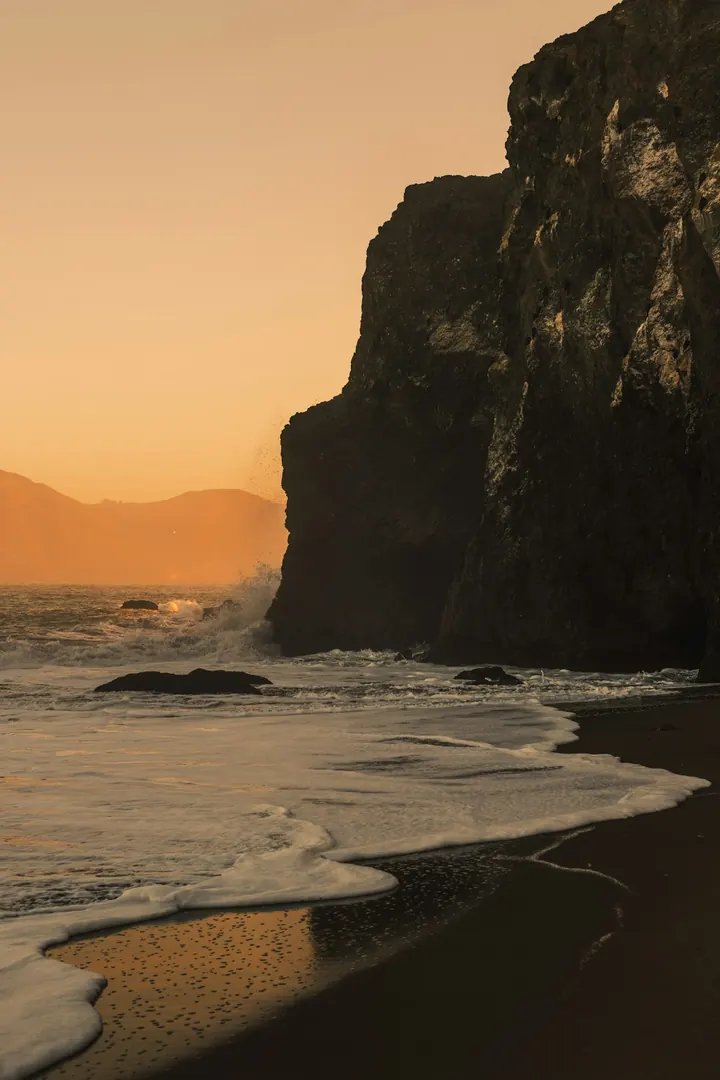
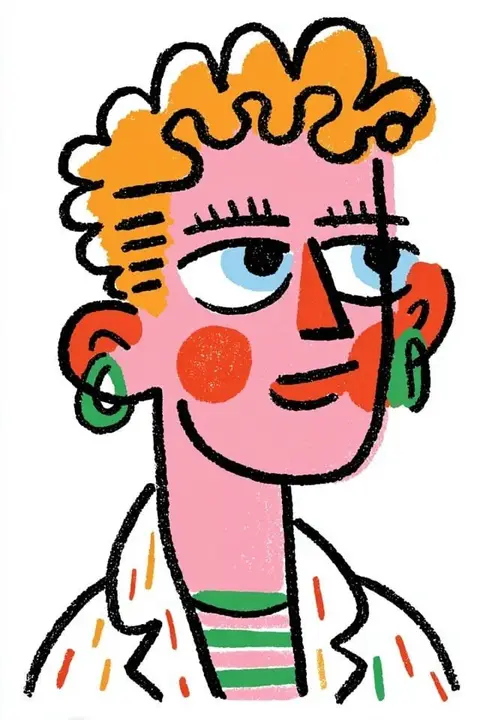
02Upload
Drag in files, paste a link. KaroStudio takes it from there.
- Colors MeasuredLines 2.5 pxFont Aa
03KaroStudio detects the style
Colors, lines, shapes, fonts and composition become rules: your theme.
- Shadows Still openSuggestionSoft shadow to match the rounded lines.Apply
04AI fills in and suggests
Whatever your references leave open, the AI fills in, with suggestions you can accept or dismiss.
- Icon Illustration Social media
05Create icons, illustrations and social media
New motifs as icons, illustrations, banners or social media posts, instantly in your brand style.
- 1:14:516:9SVG4×
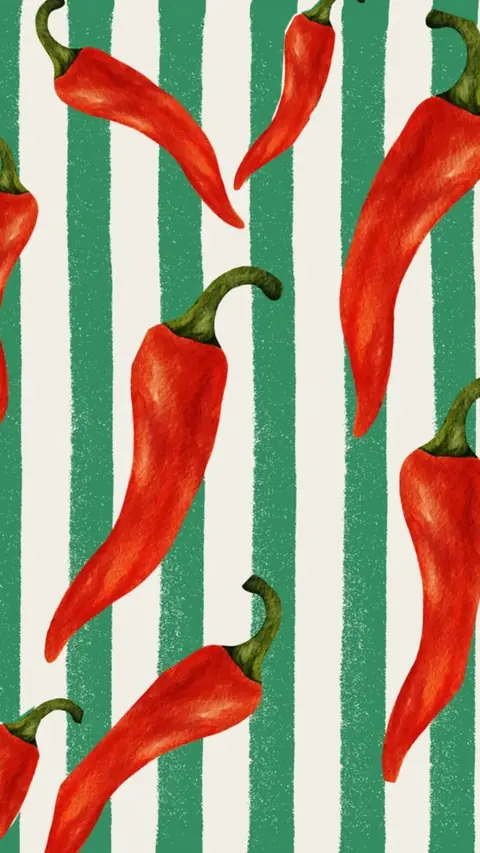
06Match and fit every format
Match photos to your style, adapt them to any format, upscale or vectorize.
Tune your style.
Smoothly, with sliders.
Every rule applies instantly, to all images at once.
Preview
Motif and 4 iconsColored fill behind the lines.
Photo matching. In your look.
Light, color and contrast are matched to your style. The subject stays exactly as it is. More about Photo matching
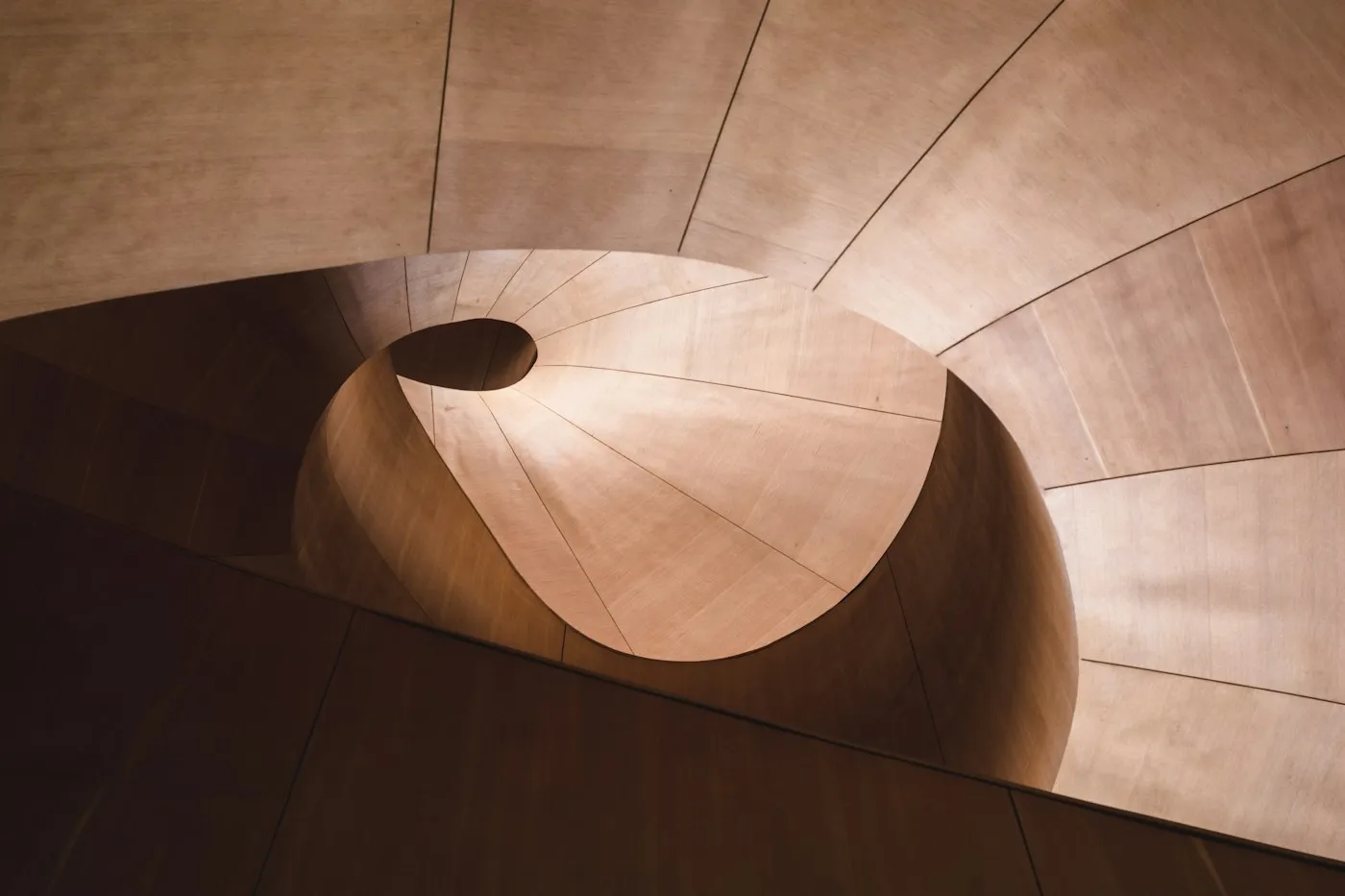
Drag across the image or use the arrow keys to compare.
Upscale with AI.
Small becomes big and sharp. The AI adds fitting details in your style, while edges and lines stay clean. Ready for print and large formats.
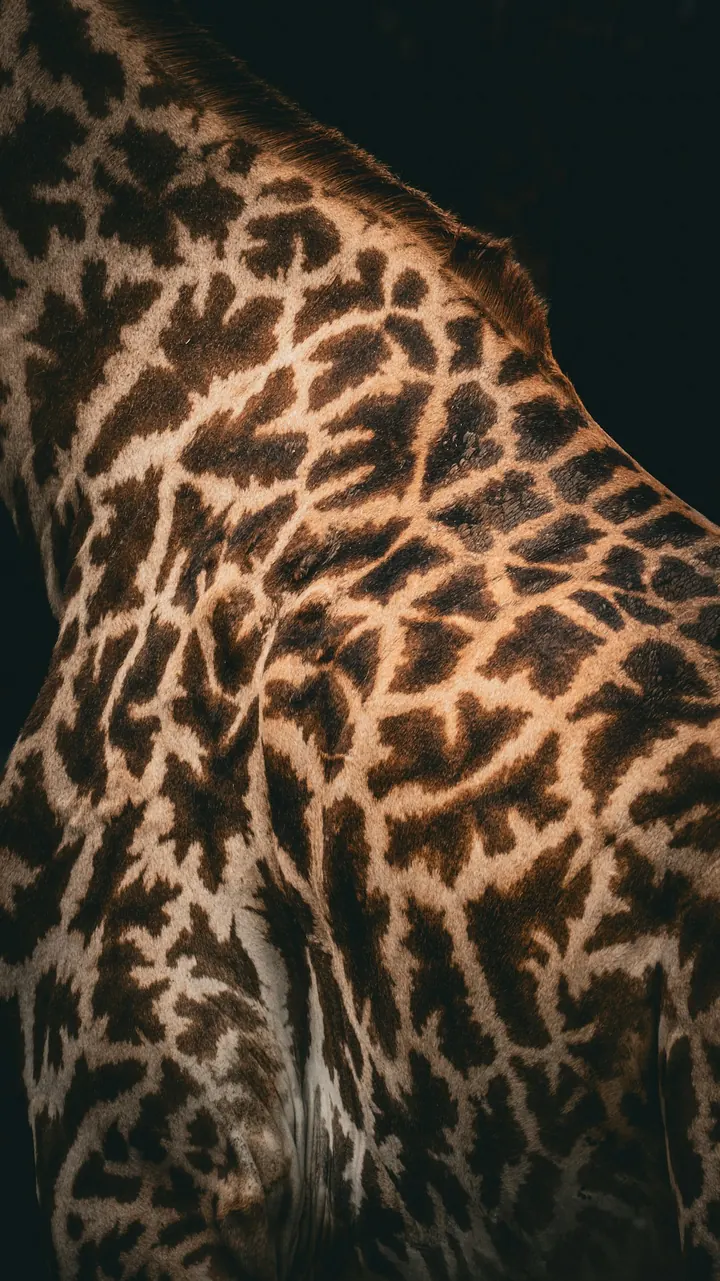 2048 px
Drag across the image or use the arrow keys to compare.
Vectorize.
Pixels become clean SVG paths with crisp edges, at any size. Colors are kept as fills, ready for web and print.
Formats.
One design for every channel.
Create variants for your website, feed and stories.
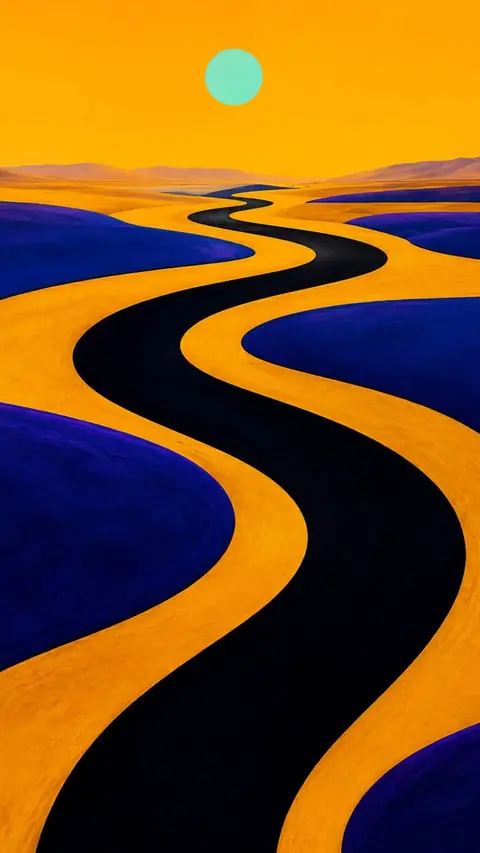
MCP connector. Your AI paints in your style.
With MCP, Claude, Cursor, ChatGPT and other assistants create images directly in your style. Locked rules stay as they are. Results land in your collection right away.
- Claude
- ChatGPT
- Gemini
Product placement. Your product in any scene.
Upload a photo, cut it out and turn it into a finished scene. For any product.
Learn more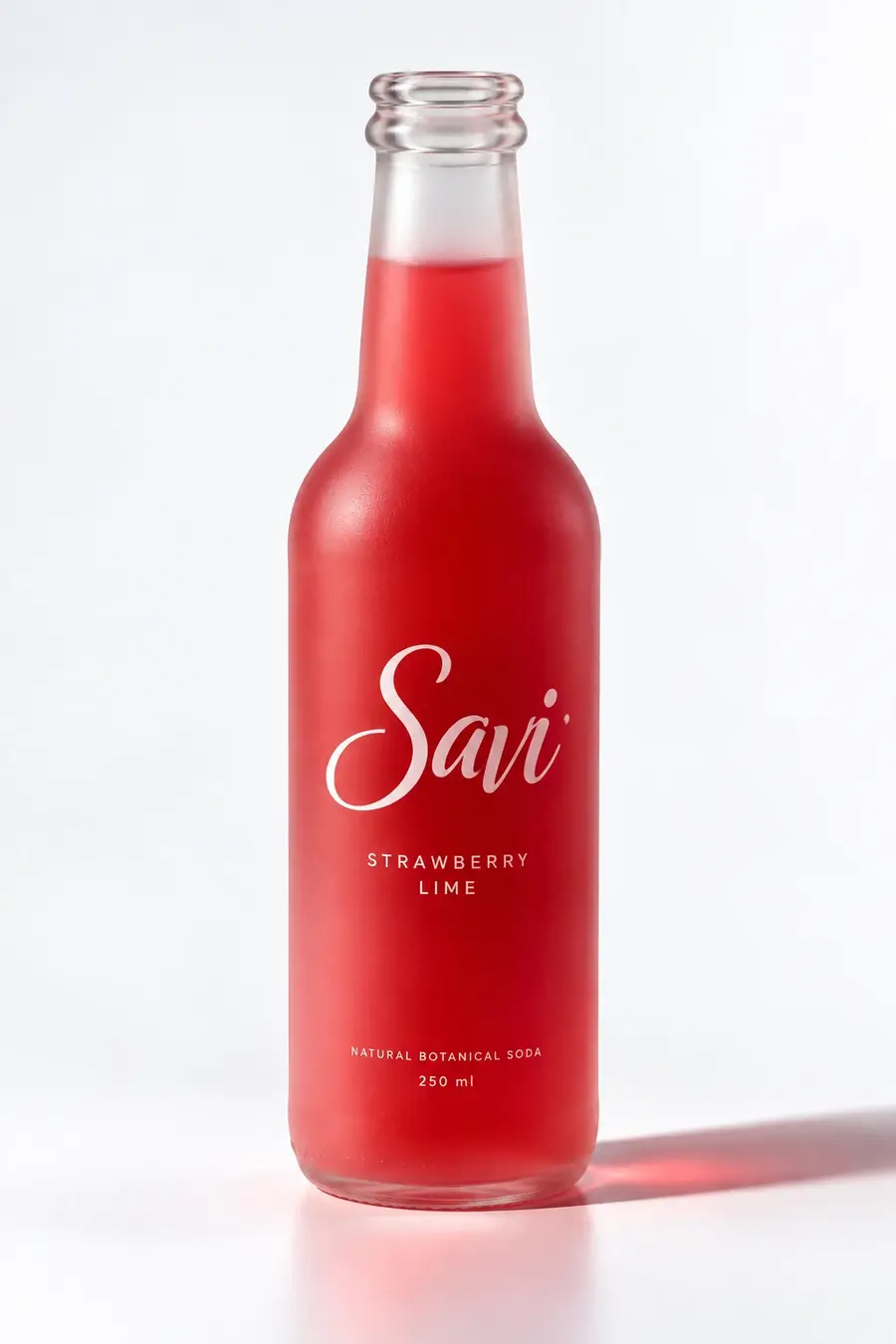 01Take a photoOne shot of your product, against any background.
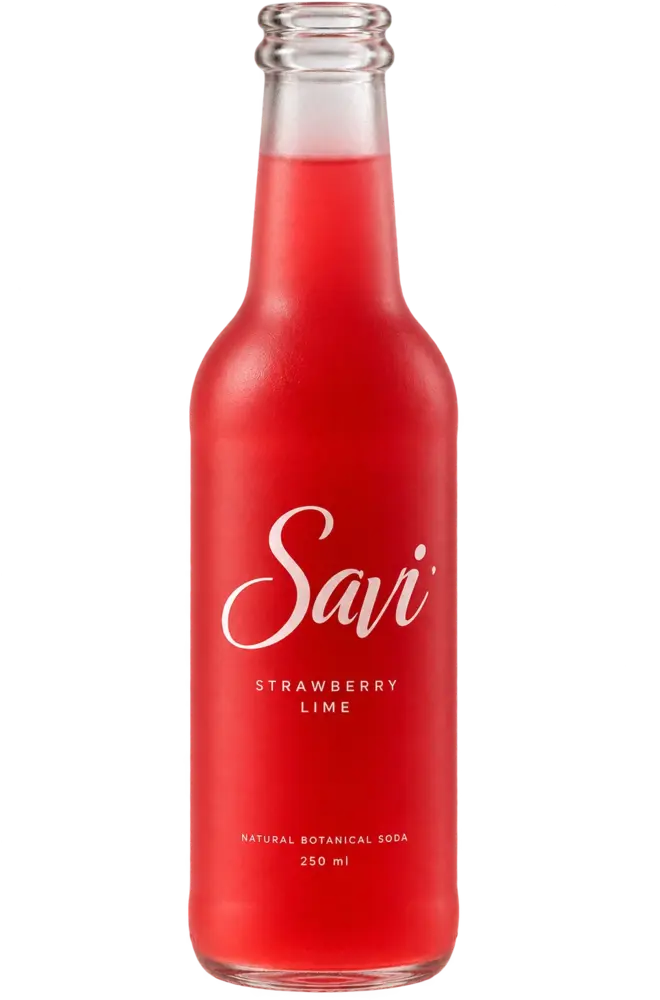 02Cut outThe product is cleanly separated from the background.
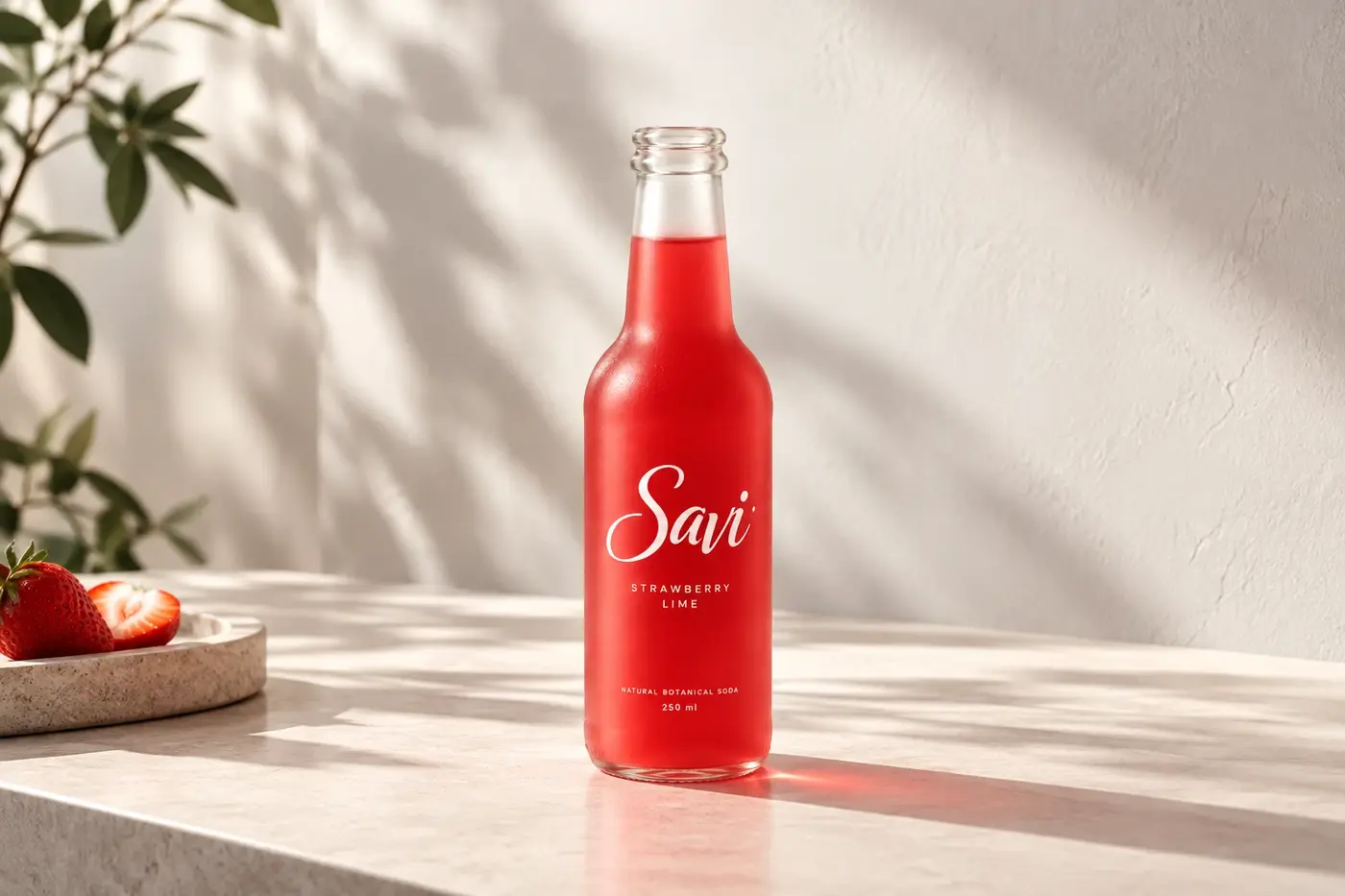 03ScenePlaced and ready, with light, shadows and a fitting setting.
Made withKaroStudio