JPEG in. WebP out.
Drop in your images, pick a target format, download. WebP, AVIF, JPEG, PNG or SVG, with quality and max width. Free, right here on this page.
Target format
Quality 82 %
Max width
Drag your images here.
JPEG, PNG, WebP, SVG, GIF, AVIF · stays on your device · up to 25 MB per file
Faster loading, less dead weight.
For websites, shops and social media: the right file at the right size.
Smaller files
WebP and AVIF are often 30 to 70 % smaller than JPEG at the same quality.
Stays with you
Conversion runs in your browser. Nothing gets uploaded.
Many at once
Drag in whole folders, pick a format, download them all.
Also via MCP.
Your assistant converts results from your collection directly, for example all posts to WebP.
Tool: convert_image
{
  "name": "convert_image",
  "arguments": {
    "image": "b_01",
    "format": "webp",
    "quality": 82,
    "max_width": 1920
  }
}
“Convert all Hafenküche social posts to WebP, max 1080 px wide.”
Read the docsEven more features.
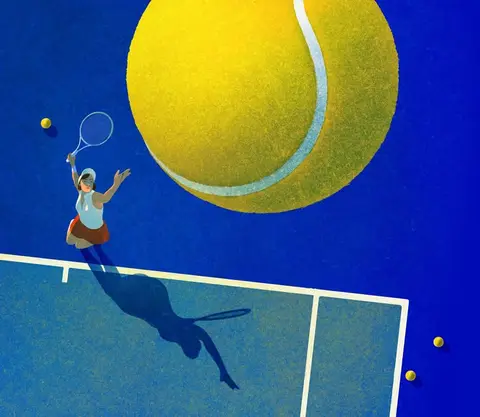 IllustrationsOne style from your illustrations, for every new subject.
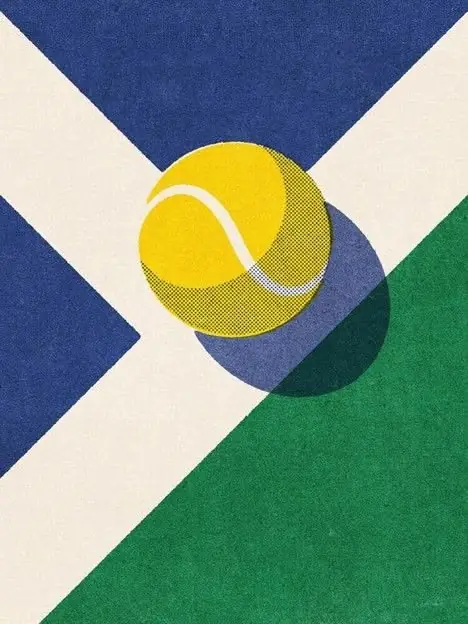 IconsWhole icon sets with matching lines, corners and colors.
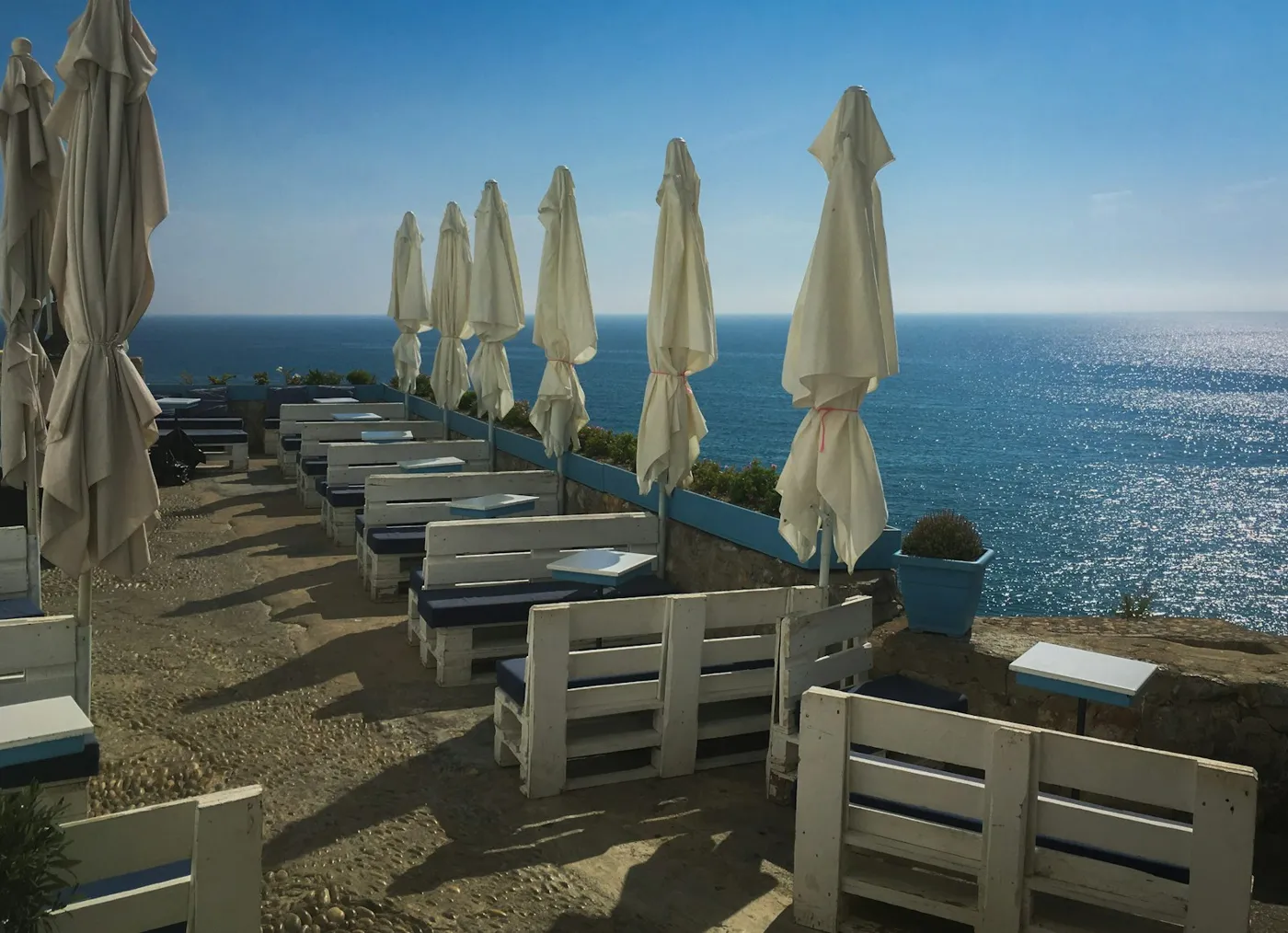 Photo matchingYour photo look in one click. No more Lightroom.
 Wallpapers & ArtBackgrounds and artwork in every format.
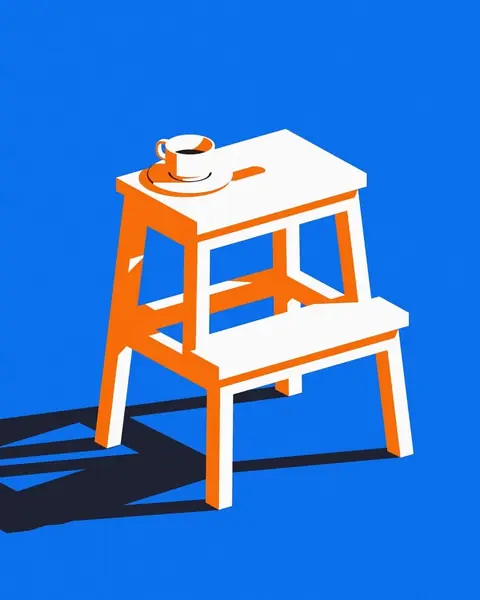 UpscaleSmall becomes big and sharp.
 Logo design · Coming soonLogo ideas in your style direction.
 MCP connectorClaude, ChatGPT and more create images in your style.
 VectorizePixels turn into clean SVG paths.
 Product placement · Coming soonRemove the background, place your product, build reels.