Your illustrations. Your style.
Upload three or four of your illustrations. KaroStudio spots what they have in common, and where things are unclear, you decide. After that, every image comes out exactly that way. You can mix multiple styles, too.
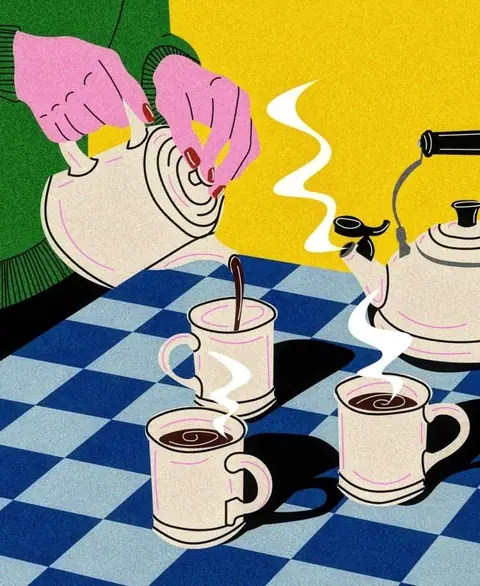
From image to rule.
01Upload
3 to 4 illustrations, your own files or our templates.
02Find what they share
Colors, lines, light, grain: KaroStudio finds the common thread.
03Resolve open questions
Where your images contradict each other, KaroStudio shows examples to choose from.
04Set the default
Your decision becomes a rule. After that, every image comes out exactly that way.
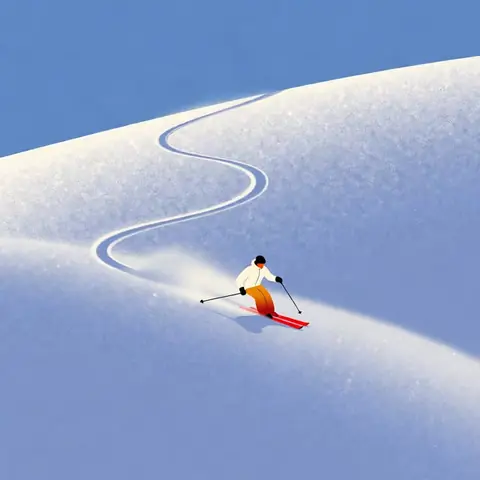
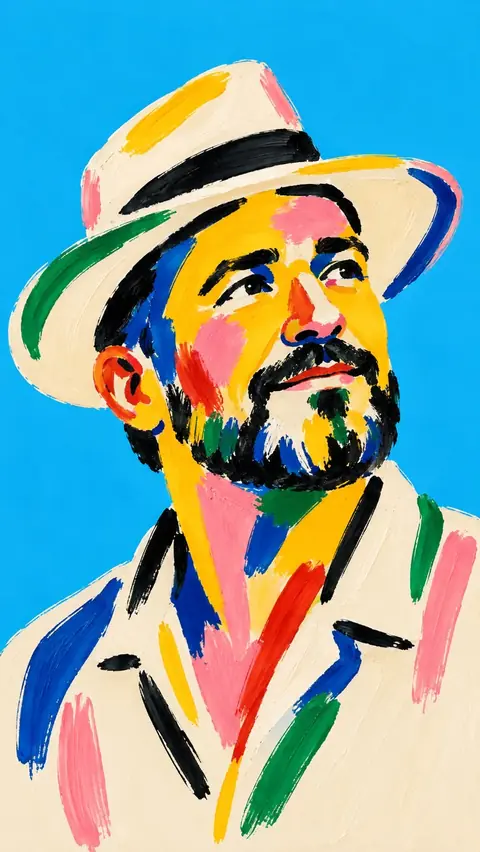
Four images in. One style out.
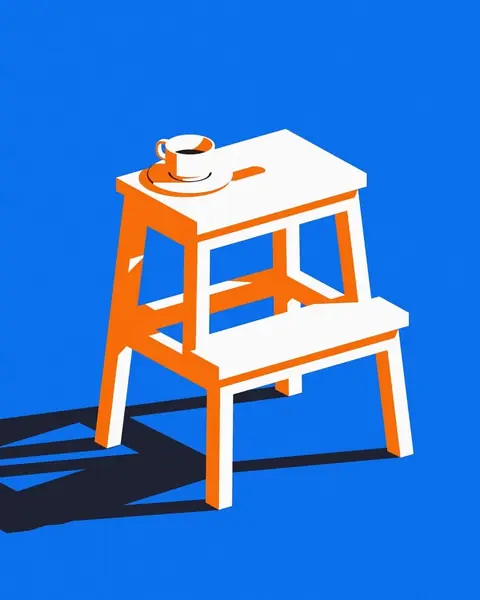
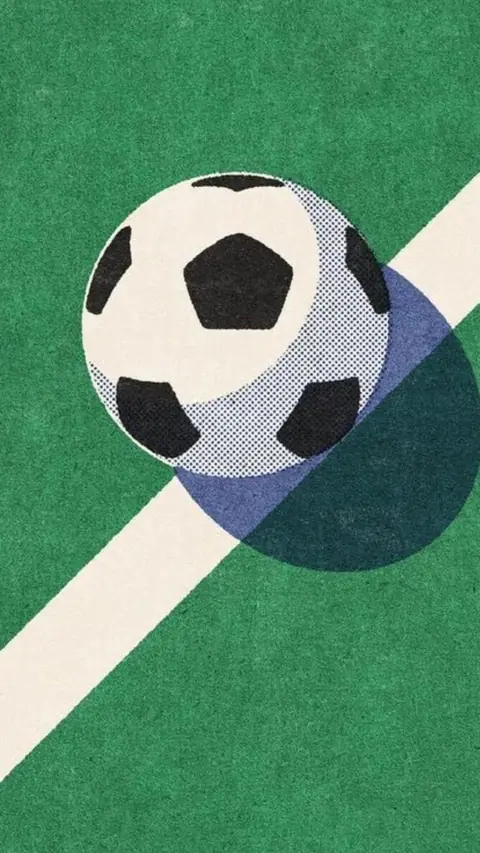
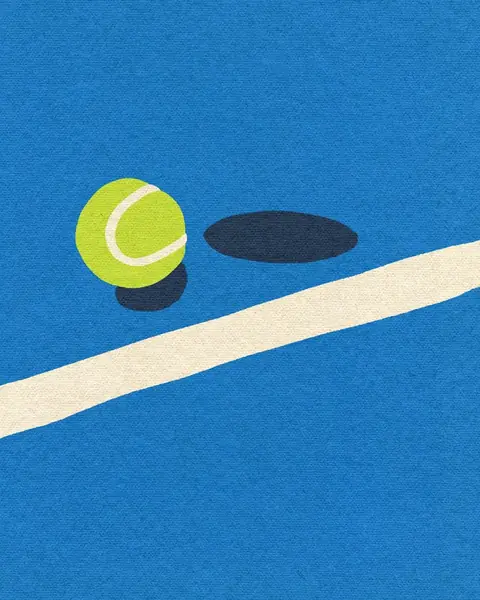
KaroStudio compares your illustrations and finds what connects them, visible and easy to follow.
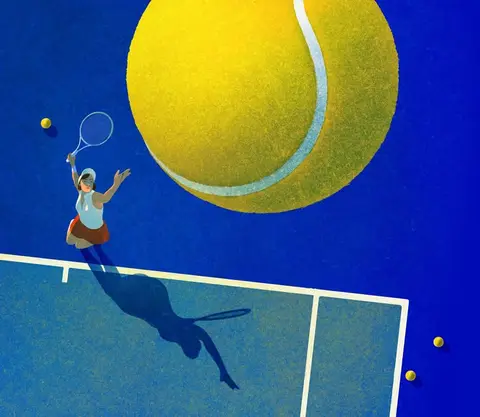
- Colors5 colors, warmMeasured
- LinesNo outlines, flat shapesMeasured
- LightHard shadowsEstimated
- GrainLight, analogEstimated
- FiguresSmall in the frameStill open
Unsure? You decide.
If your references contradict each other, KaroStudio doesn't guess. It shows examples, and your choice becomes a fixed rule.
How large should figures be in the image?
Pick an example. It becomes your default.
Three styles? Make a mix.
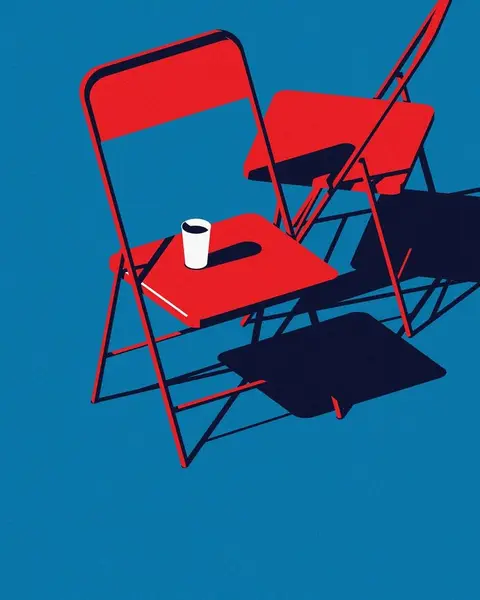
Take the subjects from one template, the image style from the second and the colors from the third.
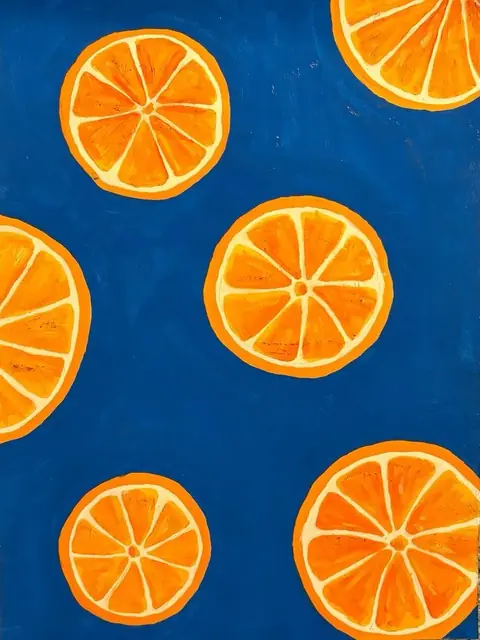
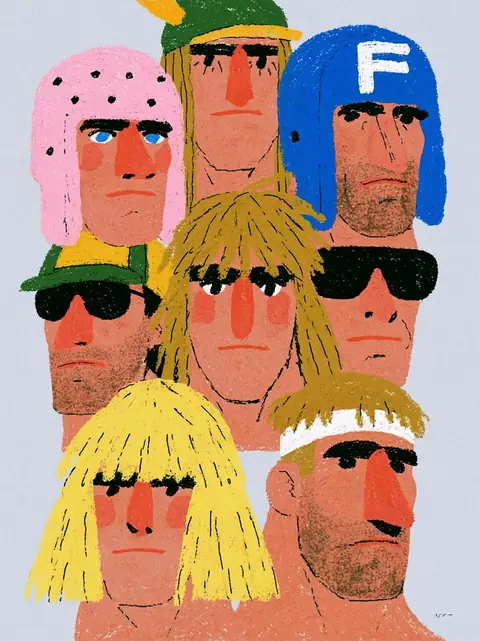
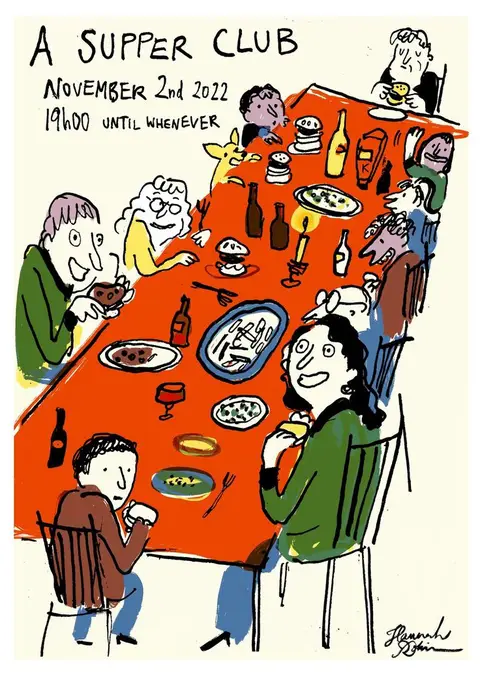
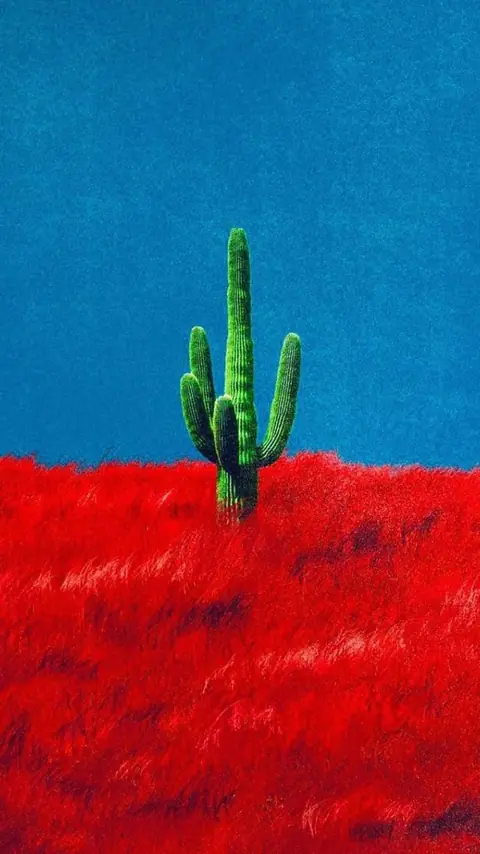
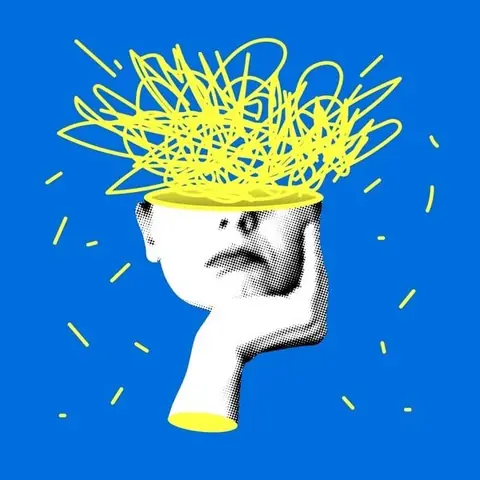
- SubjectsWhat's shown
- Image styleLines, shapes, textures
- ColorsPalette and contrast
- LightShadows and mood
Subjects from A · Image style from B · Colors from C · Light from A
Every new subject. Same style.
Describe what you need. KaroStudio draws it by your rules. Whole series in one go.
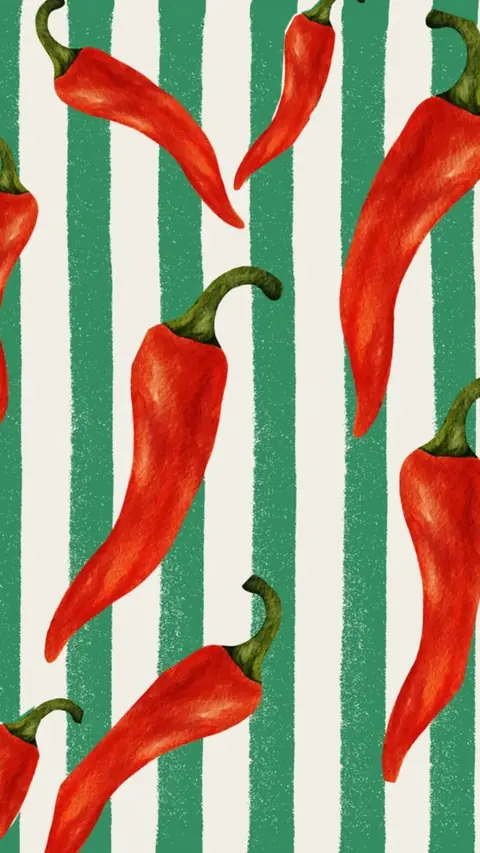
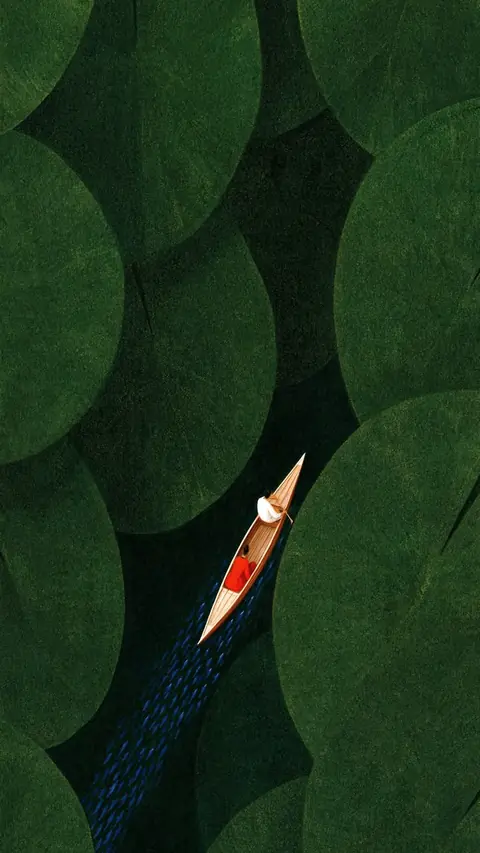
In and out. Simple as that.
References from anywhere, exports the way you need them.
Your references
- Upload your own imagesPNG, JPEG, WebP or SVG. Just drag them in.
- From your websitePaste the URL, and KaroStudio pulls in images, colors and fonts.
- MixCombine your own images and our templates freely.
Export
- PNG · always
- JPEG
- SVG via Vectorize
Even more features.
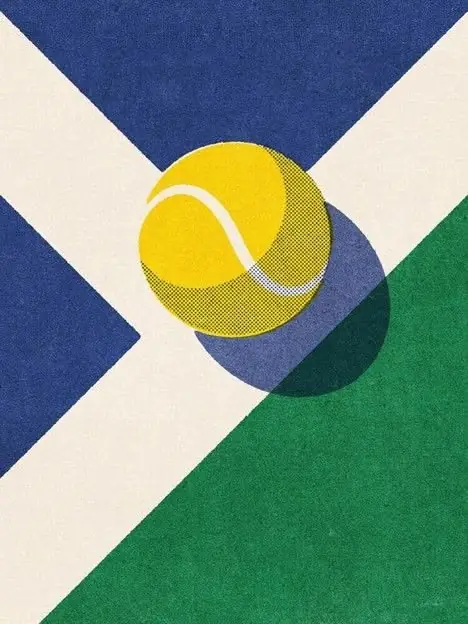 IconsWhole icon sets with matching lines, corners and colors.
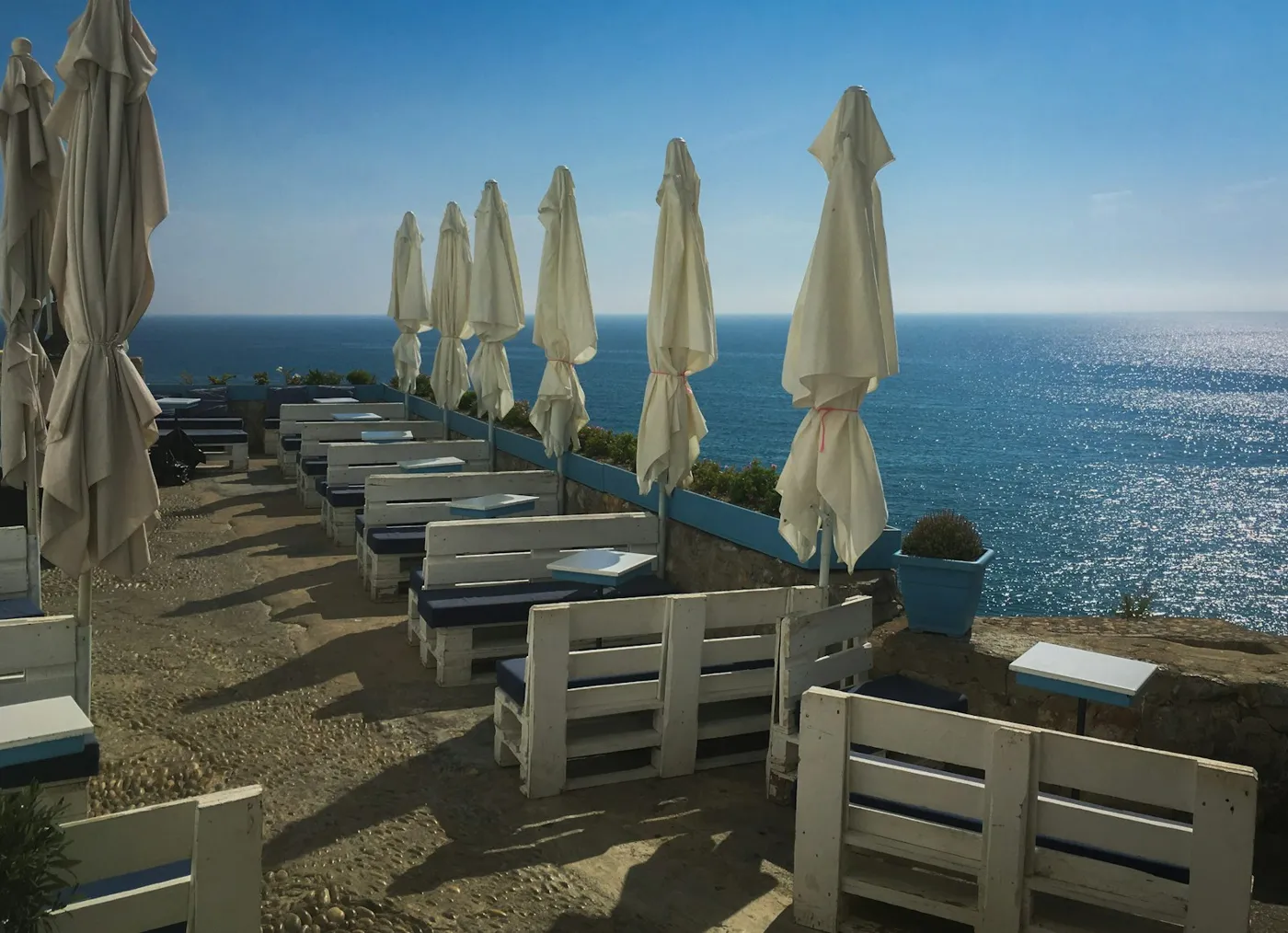 Photo matchingYour photo look in one click. No more Lightroom.
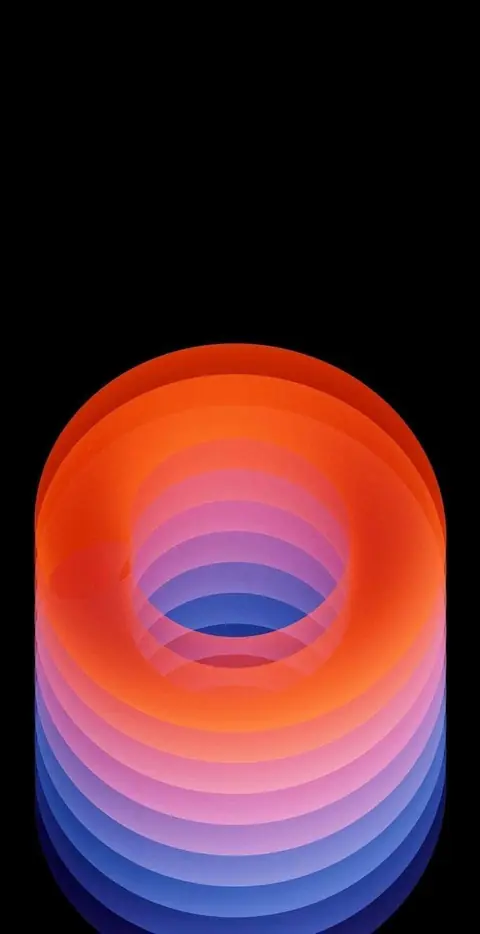 Wallpapers & ArtBackgrounds and artwork in every format.
- UpscaleSmall becomes big and sharp.
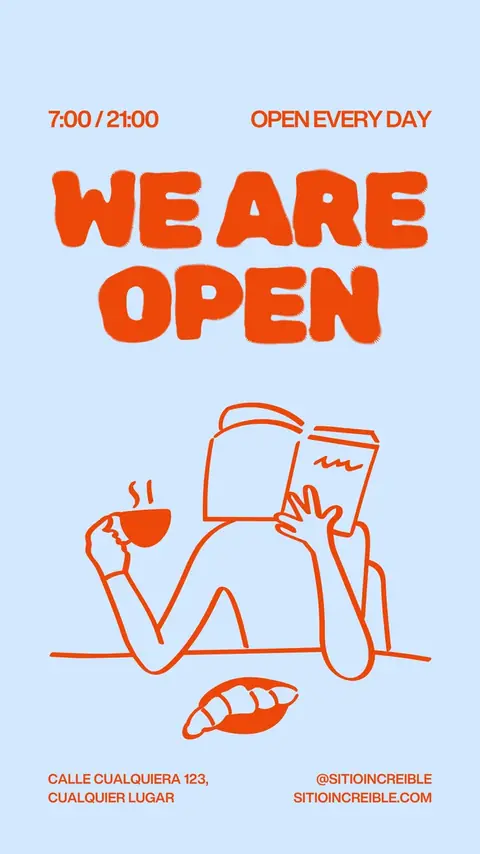 Logo design · Coming soonLogo ideas in your style direction.
- MCP connectorClaude, ChatGPT and more create images in your style.
- VectorizePixels turn into clean SVG paths.
 Convert image formatsJPEG to WebP, AVIF or PNG, via drag and drop.
 Product placement · Coming soonRemove the background, place your product, build reels.
Draw in your style.
Upload your first illustrations. KaroStudio turns them into your style.