Pixels become paths.
Upload a PNG or JPEG. KaroStudio traces it as an SVG. Crisp edges instead of jagged steps, colors stay as solid shapes. Export as SVG and PNG.
PNG · Pixels
SVG · 38 paths
Three steps to SVG.
01Upload an image
PNG, JPEG or WebP. Or a result from your collection.
02Set the colors
KaroStudio suggests a palette. You decide how many colors stay.
03Download the SVG
With clean paths and layers, ready for any program.
Zoom in. No jagged edges.
Pixel images fall apart when enlarged. Vectors stay sharp.
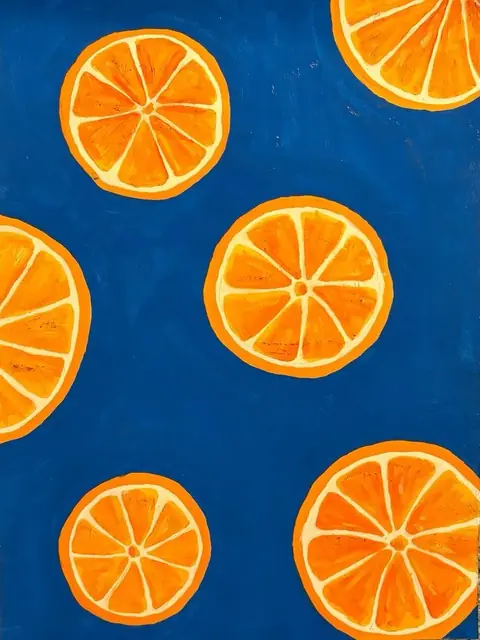
Colors become layers.
Each color lands on its own layer, ready to recolor later in Figma, Illustrator or the browser.
- Background1 path
- Oranges9 paths
- Flesh9 paths
- Shadows4 paths
- Example: 4 colors → 23 paths on 4 layers.
What you need vectors for.
Logos & brands
Old JPEGs become clean files for print and web.
Plotting & cutting
Vinyl, textile, laser: machines need paths.
Large formats
Trade show walls or shop windows, with no loss in quality.
Keep editing
Recolor, move or animate individual shapes.
In and out. Simple as that.
References from anywhere, exports the way you need them.
Your references
- Upload your own imagesPNG, JPEG, WebP or SVG. Just drag them in.
- From your websitePaste the URL, and KaroStudio pulls in images, colors and fonts.
- MixCombine your own images and our templates freely.
Export
- PNG · always
- SVG
Transparent background: yesSVG and PNG without a background. The subject stands on its own.
Even more features.
 IllustrationsOne style from your illustrations, for every new subject.
 IconsWhole icon sets with matching lines, corners and colors.
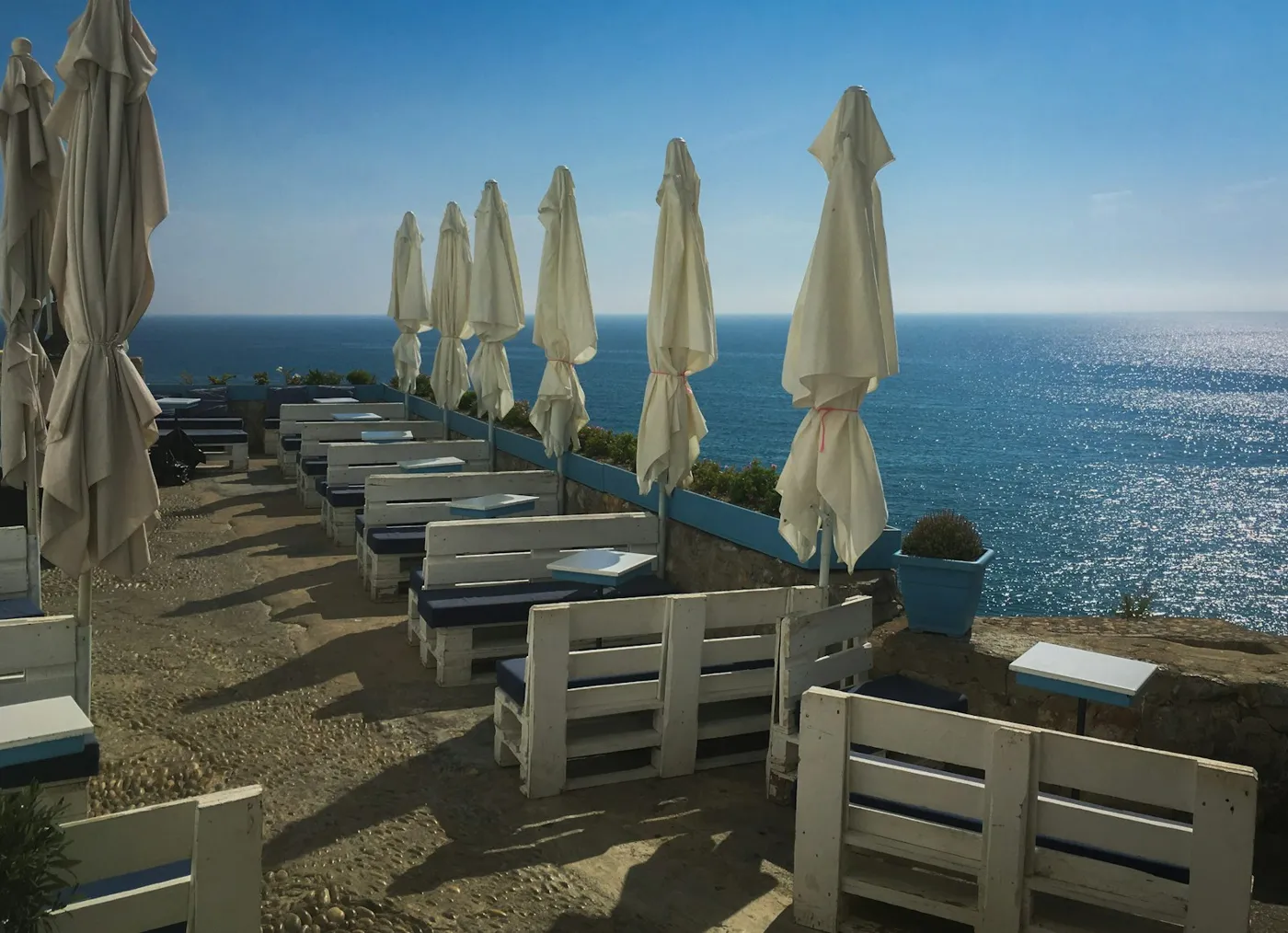 Photo matchingYour photo look in one click. No more Lightroom.
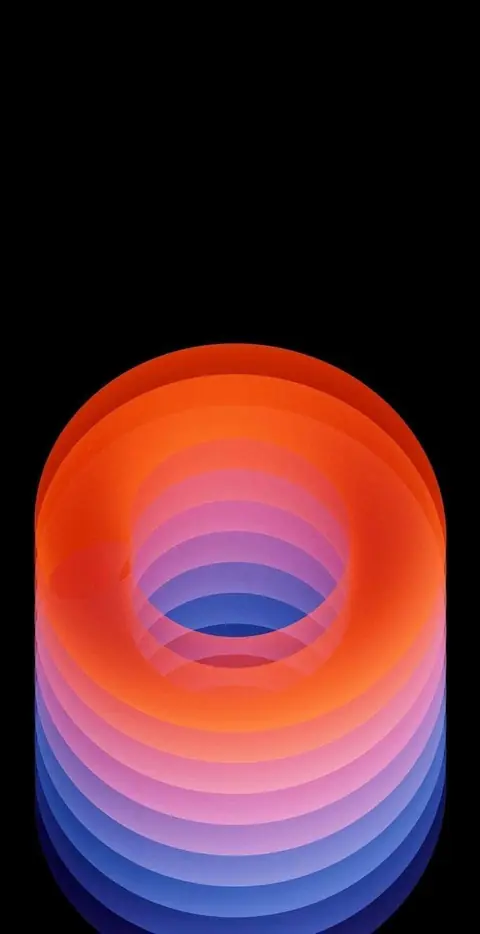 Wallpapers & ArtBackgrounds and artwork in every format.
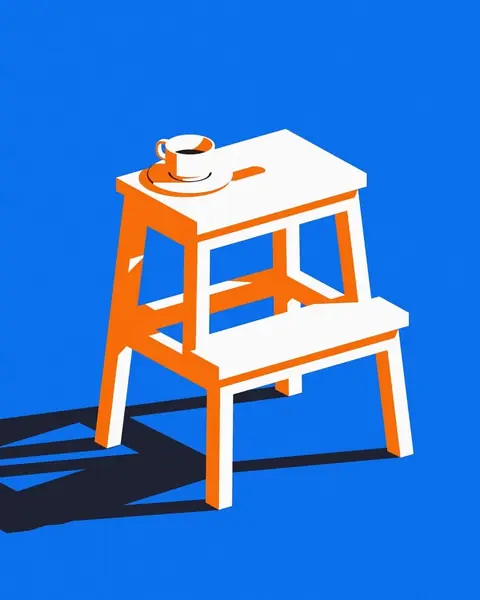 UpscaleSmall becomes big and sharp.
 Logo design · Coming soonLogo ideas in your style direction.
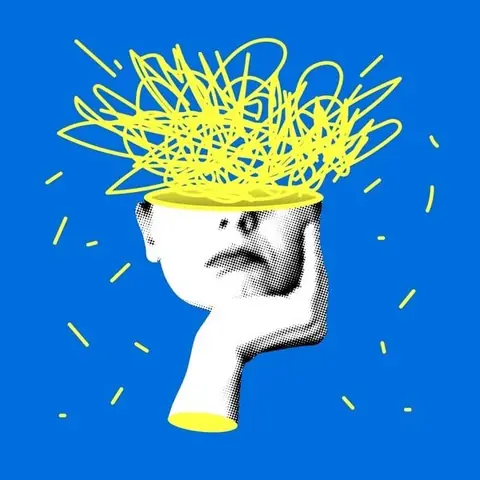 MCP connectorClaude, ChatGPT and more create images in your style.
 Convert image formatsJPEG to WebP, AVIF or PNG, via drag and drop.
 Product placement · Coming soonRemove the background, place your product, build reels.
Make it sharp.
Upload your first image and get the SVG.