Small becomes big.
KaroStudio enlarges your images up to 8× and adds fitting details in your style. Edges and lines stay clean.
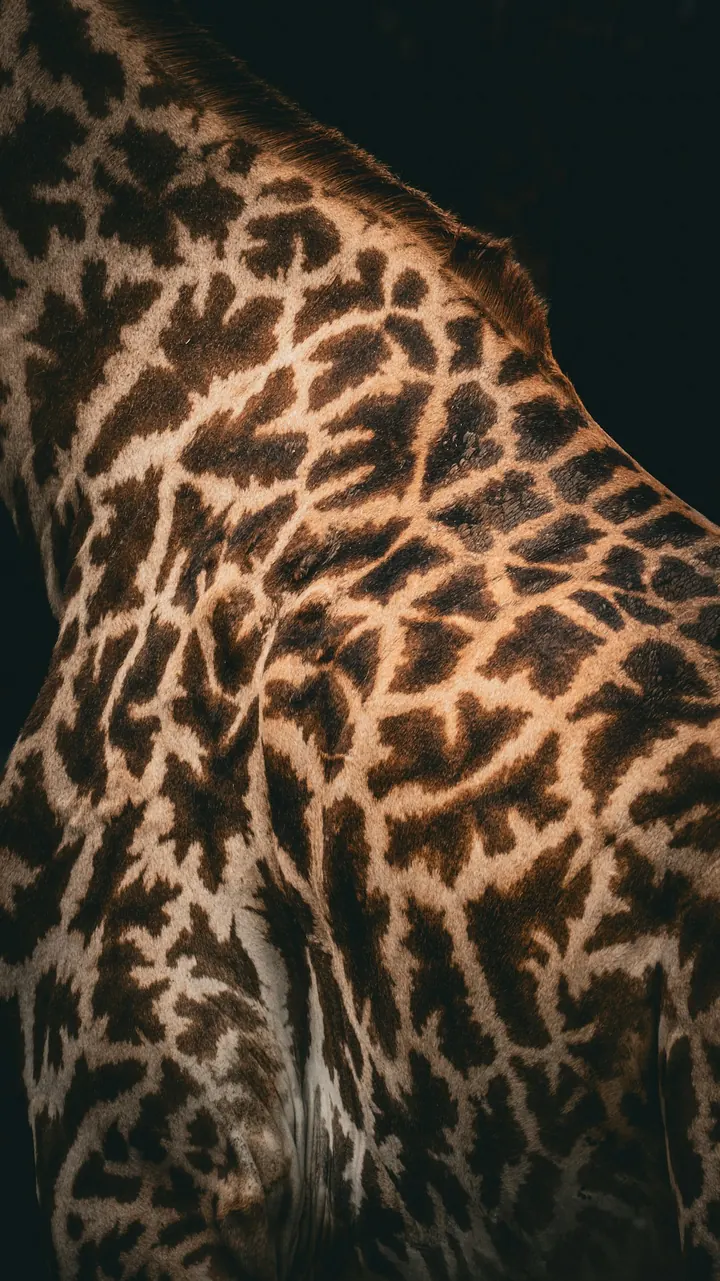 4096 px
Drag across the image or use the arrow keys to compare.
Bigger in three steps.
01Pick an image
Upload one or take it from your collection.
02Set the factor
2×, 4× or 8×. You see the pixel dimensions right away.
03Download it sharp
As PNG or JPEG. Transparency from the original is preserved.
2×, 4× or 8×. You decide.
Depending on where it's going: website, presentation or large print.
- Before
- 1024 × 768 px
- After
- 4096 × 3072 px
Enough for presentations, A3 posters and Retina screens.
New details, no mush.
The AI adds fitting structures like lines, hair and fabric instead of just stretching pixels.
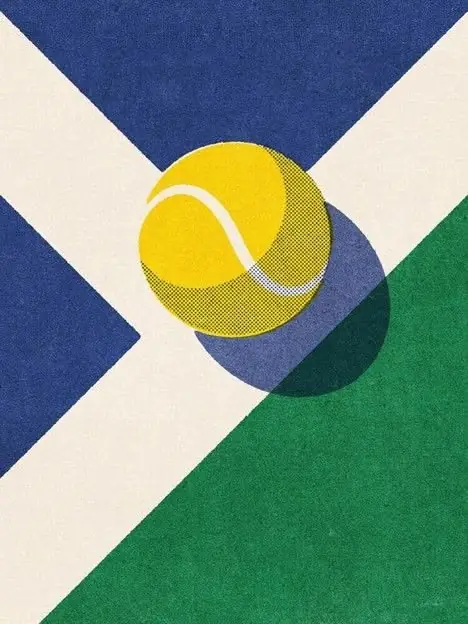 BeforeAfter
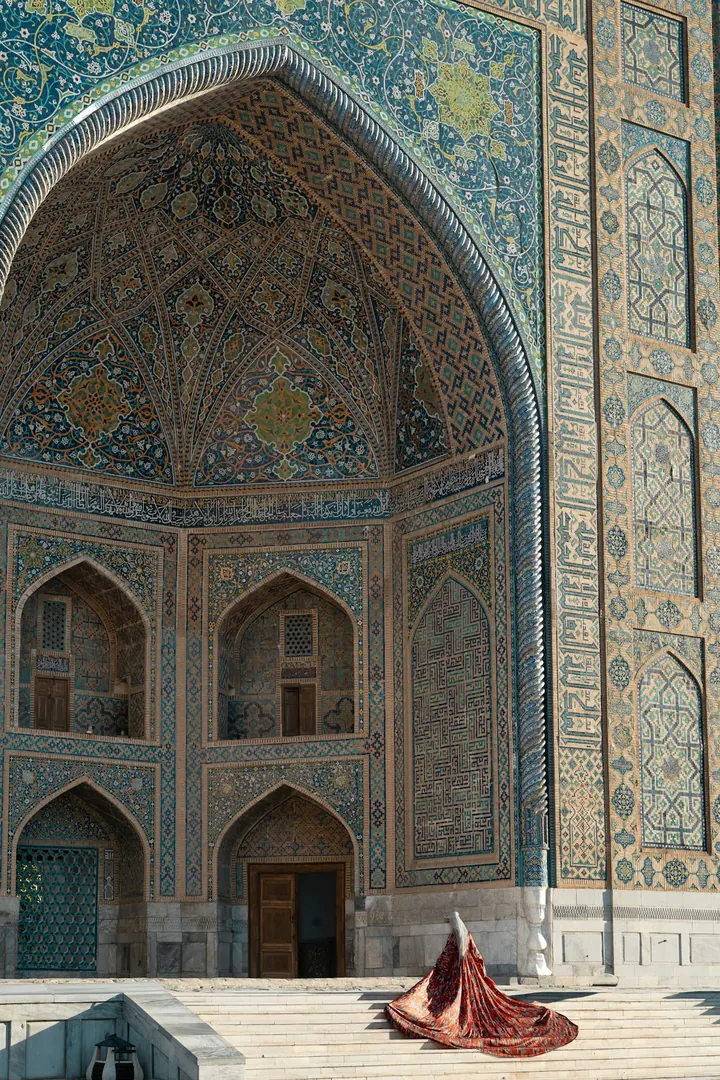 BeforeAfter
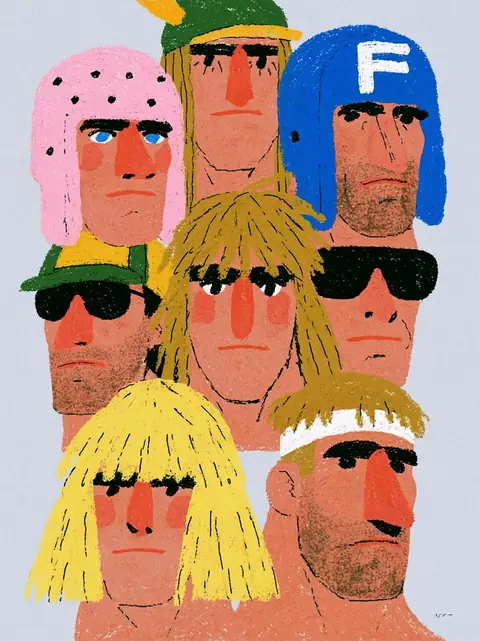 BeforeAfter
When it's worth it.
Print
Posters, flyers, packaging: with enough pixels for 300 dpi.
Rescue old images
Make small logos and photos from old presentations usable again.
Large screens
Sharp hero images for websites and Retina displays.
In and out. Simple as that.
References from anywhere, exports the way you need them.
Your references
- Upload your own imagesPNG, JPEG, WebP or SVG. Just drag them in.
- From your websitePaste the URL, and KaroStudio pulls in images, colors and fonts.
- MixCombine your own images and our templates freely.
Export
- PNG · always
- JPEG
Even more features.
 IllustrationsOne style from your illustrations, for every new subject.
- IconsWhole icon sets with matching lines, corners and colors.
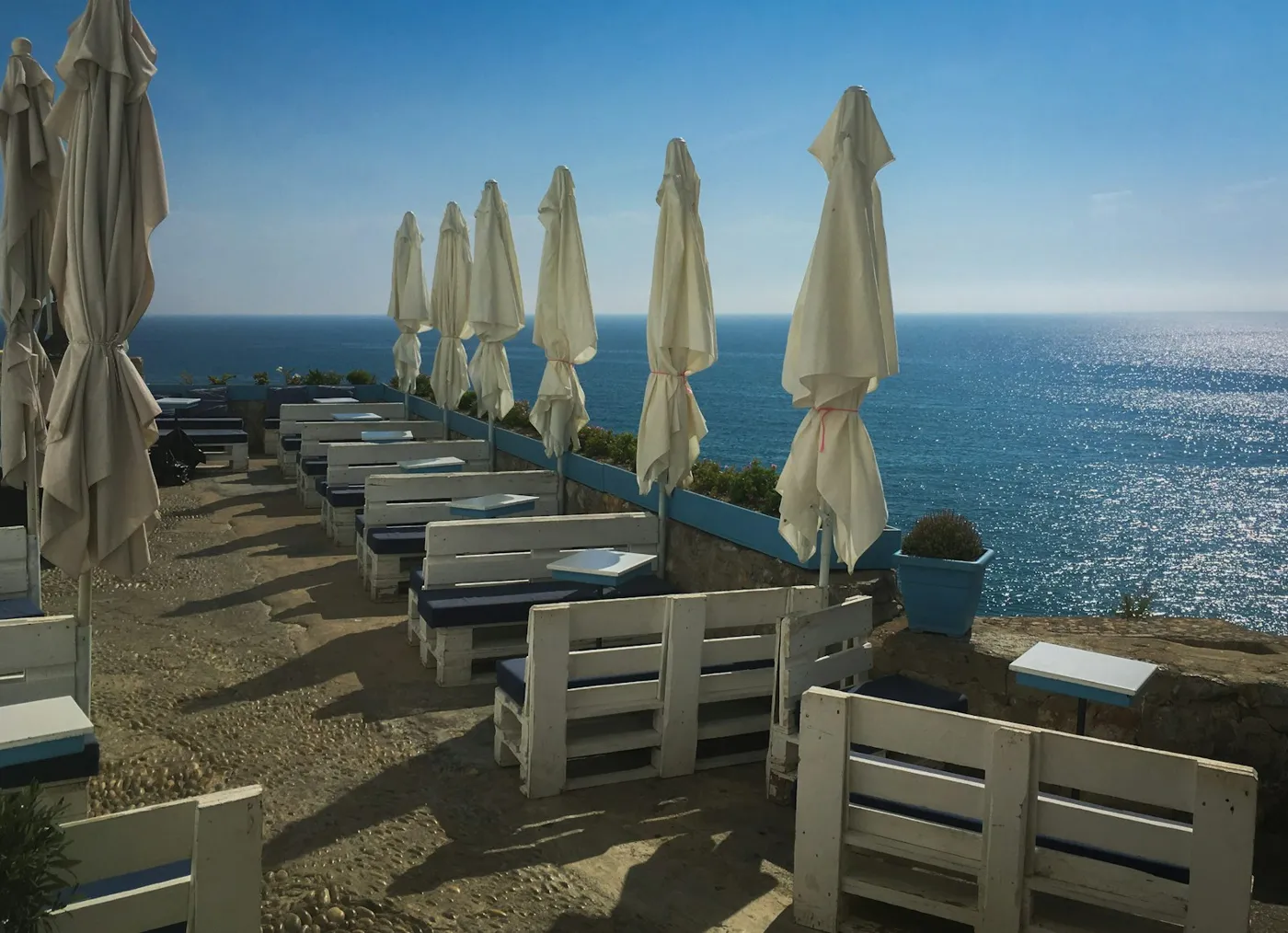 Photo matchingYour photo look in one click. No more Lightroom.
 Wallpapers & ArtBackgrounds and artwork in every format.
 Logo design · Coming soonLogo ideas in your style direction.
 MCP connectorClaude, ChatGPT and more create images in your style.
 VectorizePixels turn into clean SVG paths.
 Convert image formatsJPEG to WebP, AVIF or PNG, via drag and drop.
 Product placement · Coming soonRemove the background, place your product, build reels.
Go big.
Upload an image and see the difference for yourself.