Using the “Hafenküche” example
From references to your style.
Set it once. Apply it again and again.
Your references
Anything that shows your look.
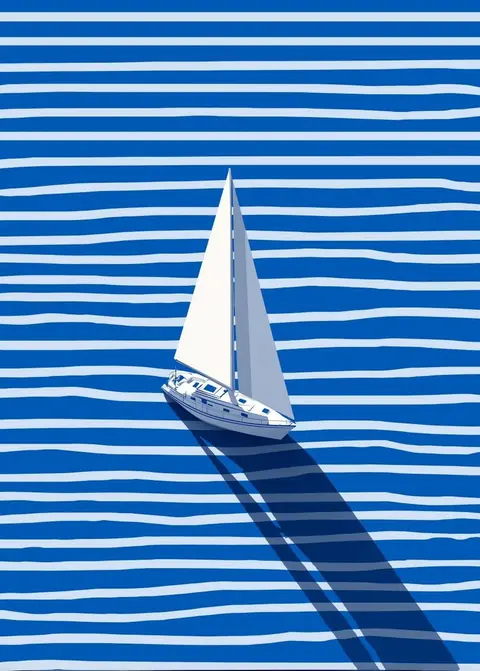
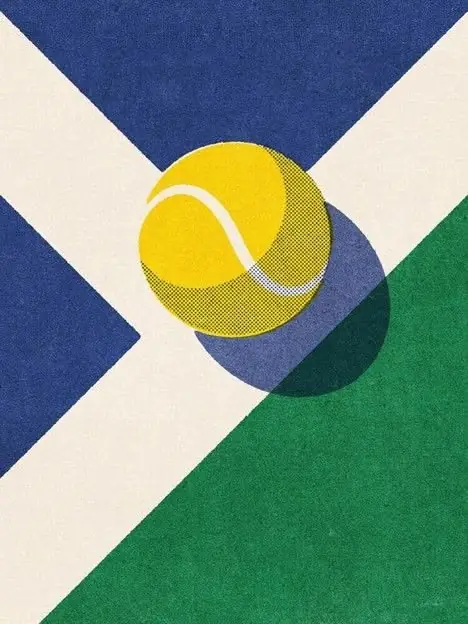 ImagesIllustrations, photos→ Lines, shapes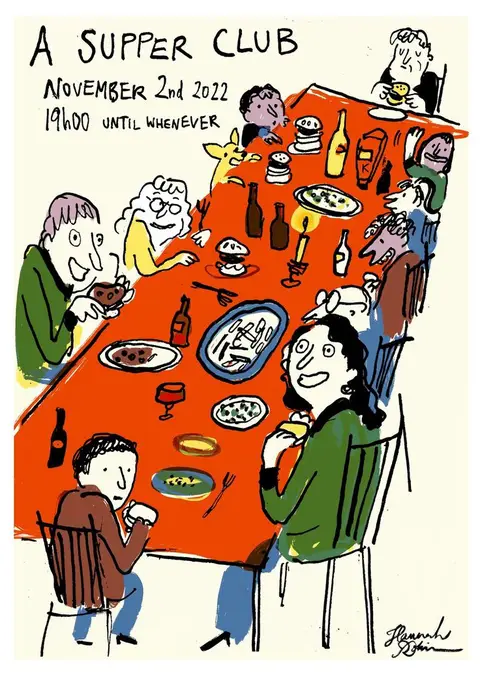
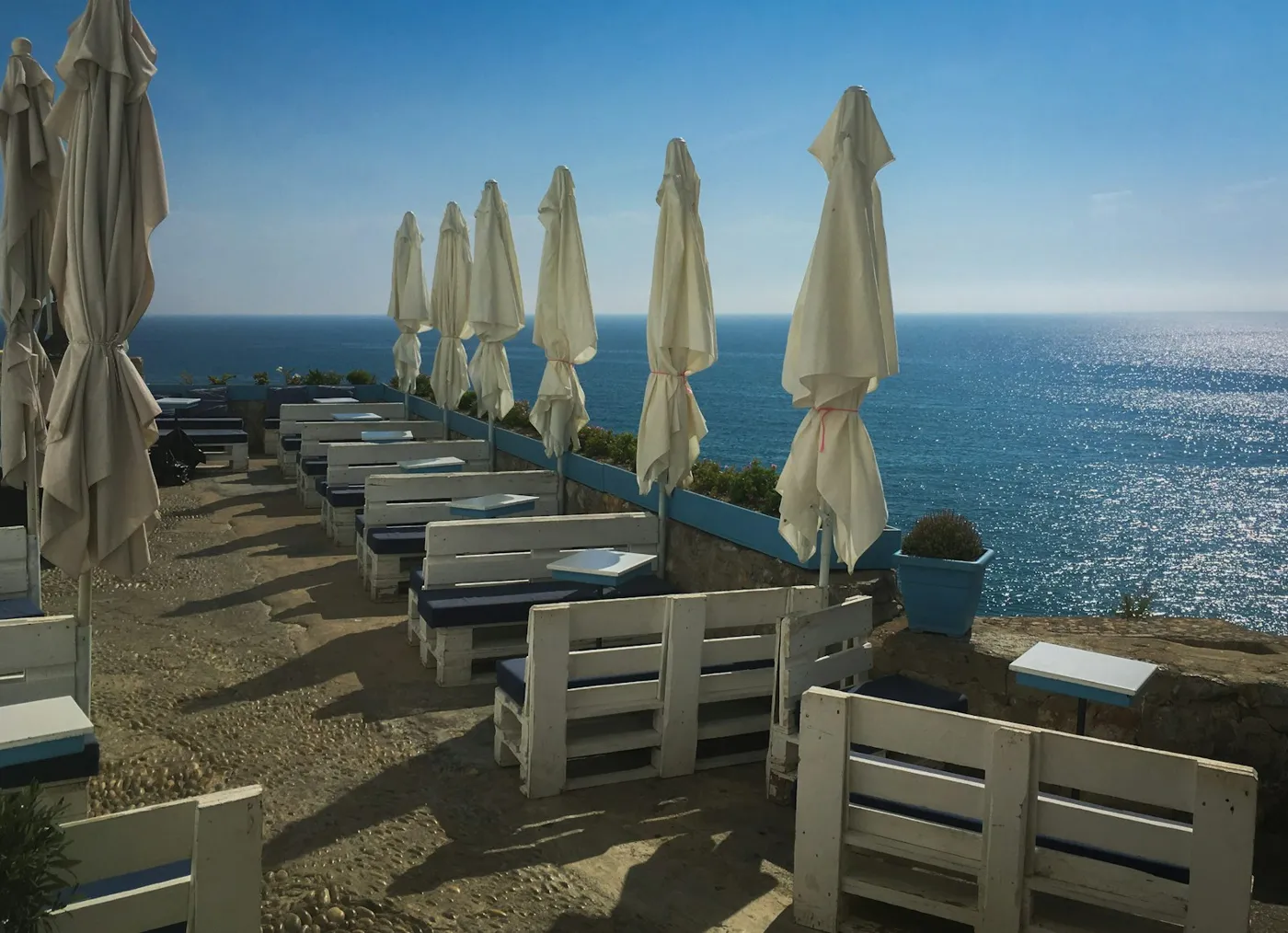
 Collected imagesPhotos and finds→ Light, composition
- WebsiteJust the URL→ Colors, type
- LogoSVG or PNG→ Shapes, colors
- AaFrauncesTypeFont file→ Type
- --primary: #5B12E8;--radius: 12px;font: Geist;CSSStylesheet→ Colors, radii
Your style · Version 1
Every rule shows where it comes from.
- From:ColorsFrom file6 colors · 1 accent
- From:LinesEstimatedEven, 2.5 px
- From:ShapesEstimatedSoft, large radii
- From:TypeFrom fileFraunces 600 / Geist 400
- From:CompositionMeasuredMotif 70 %, margin 12 %
Fill the gaps
If something is missing, the AI suggests a fitting value. It is marked as “Estimated”.
Show conflicts
If your references disagree, the rule stays “Still open”. You decide.
Make it better
The AI suggests improvements, like clearer contrast. You only take what fits.
01
Show what you like.
Add images, a website or your own fonts.
Hafenküche · References
ReferencesAdd
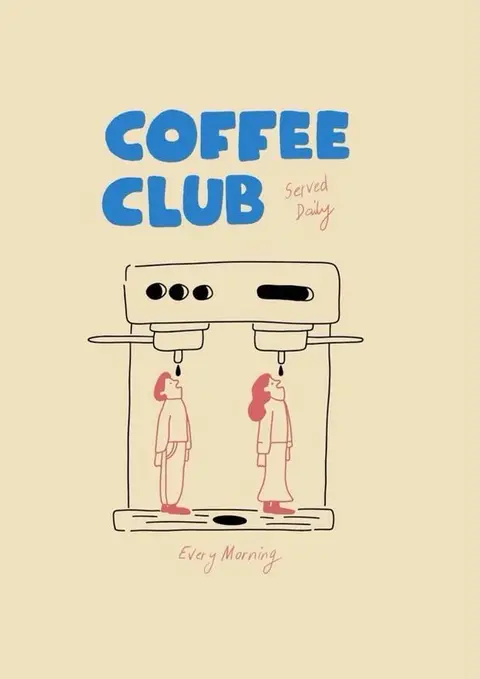
- Stuhl-Illustration.jpgImages
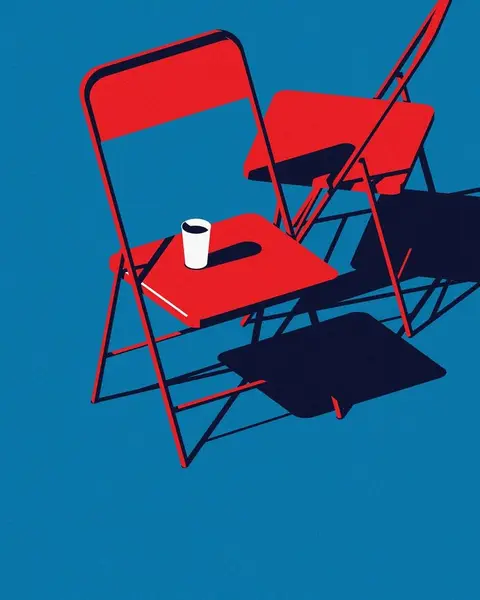
- Supper-Club-Poster.jpgImages
- Terrasse.jpgImages
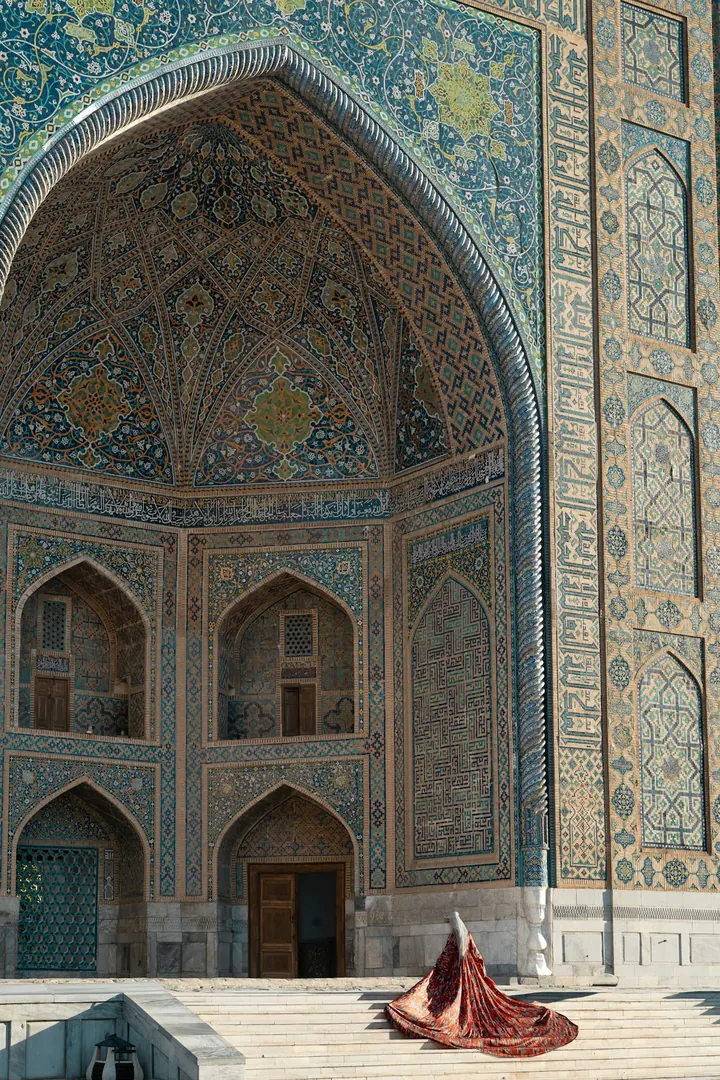
- Samarkand.jpgImages
- hafenkueche.exampleWebsites
- Logo.svgLogos
Website detectedColors and type applied
DoneDoneFont from fileGeist Bold, ready to use
DoneDone02
Make the style your own.
Check colors, lines and other rules. Adjust whatever matters to you.
Hafenküche · Style
Colors6 colors · 1 accent
LinesEven, 2.5 px
ShapesSoft, large radii
ShadowsHard ground shadow
- Lines: 2.5 px, estimated from the sketch
- Colors locked, they stay fixed
03
Create the next motif.
Pick a Template and a style guide and describe your image. Or a matching Series.
Hafenküche · Create
Style guide: Landscape sceneSingleSeries
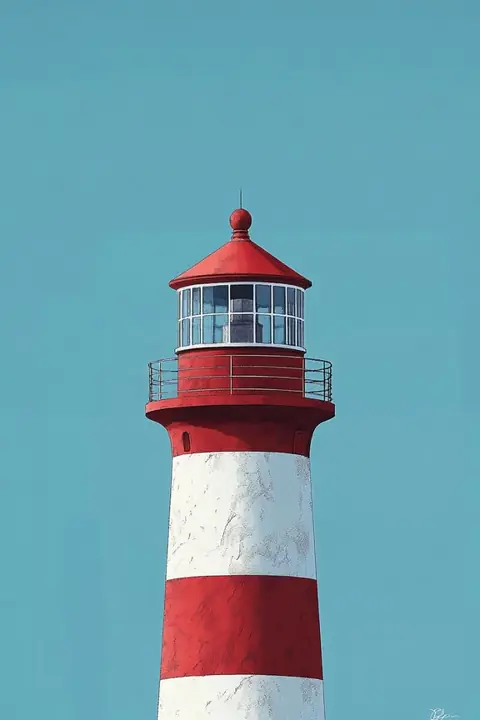
A donkey with a bag, a boat in the harbor, a chair with a cup and a lighthouse.
Create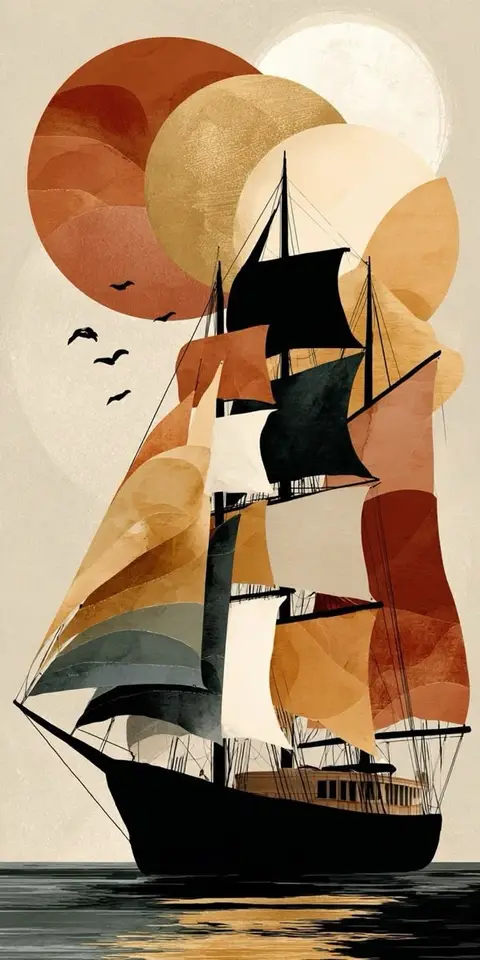
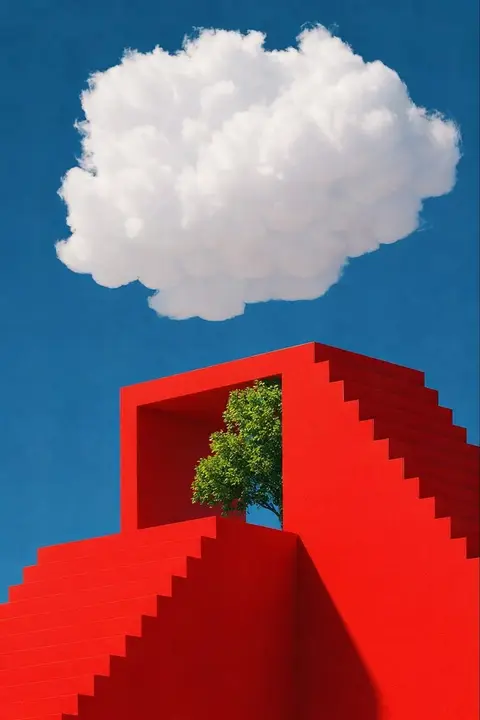
- 4 motifs, one style
- One style guide for the whole Series
04
Get it into the right format.
Edit, enlarge and export your result.
Donkey with bag · Export
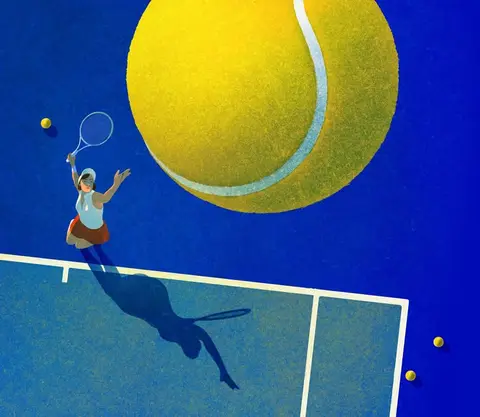
FormatPNGSVGJPEG
Size6400 × 4800 px 4×
Transparent background
Export- Enlarged 4×
- Background removed, works on any background
Your style is waiting.
Upload references, check your style, get started.