Whole icon sets. All of a piece.
Missing an icon? KaroStudio draws it in the style of your set: same stroke width, corners and colors. Existing sets serve as templates. Export as PNG with transparency or as SVG.
From the first icon to the whole set.
01Show a template
Upload your own icons or pick a ready-made icon pack.
02Check the rules
Stroke width, ends, corners and colors, measured and adjustable.
03Describe the subjects
“Search, cart, profile”: One line is enough for a whole series.
04Export the set
All icons at once, as PNG with transparency or SVG.
Line, corner, color. All adjustable.
Every rule applies to the whole set instantly. That keeps all icons consistent.
Already have icons? Perfect.
Upload your existing set. KaroStudio picks up the line, corners and colors and adds missing subjects to match.
- Example set · Pastell


- Example set · Bunt 3D


- Example set · Singulart
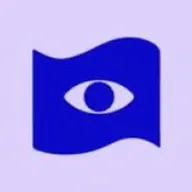
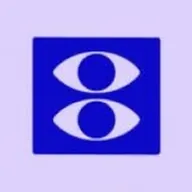
- Example set · Flächig



Sharp at every size.
Icons export cleanly at every size, as PNG with a transparent background or as SVG.
In and out. Simple as that.
References from anywhere, exports the way you need them.
Your references
- Upload your own imagesPNG, JPEG, WebP or SVG. Just drag them in.
- From your websitePaste the URL, and KaroStudio pulls in images, colors and fonts.
- MixCombine your own images and our templates freely.
Export
- PNG · always
- SVG
Even more features.
 IllustrationsOne style from your illustrations, for every new subject.
 Photo matchingYour photo look in one click. No more Lightroom.
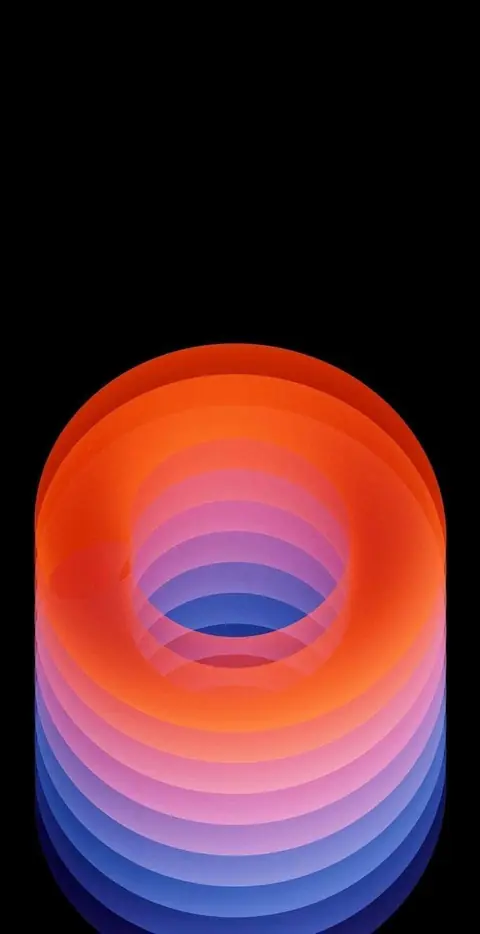 Wallpapers & ArtBackgrounds and artwork in every format.
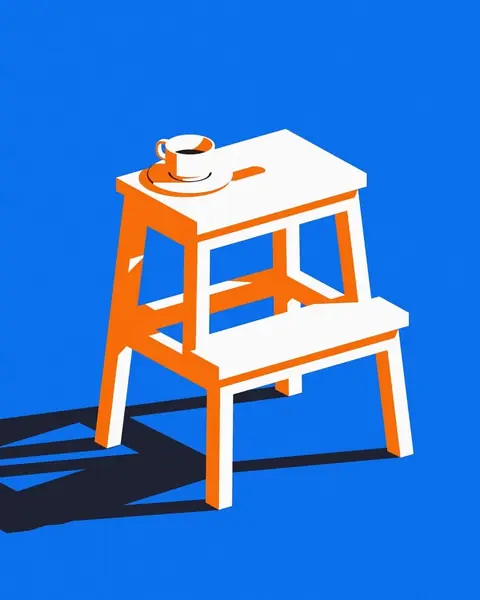 UpscaleSmall becomes big and sharp.
 Logo design · Coming soonLogo ideas in your style direction.
 MCP connectorClaude, ChatGPT and more create images in your style.
 VectorizePixels turn into clean SVG paths.
 Convert image formatsJPEG to WebP, AVIF or PNG, via drag and drop.
 Product placement · Coming soonRemove the background, place your product, build reels.
Your set, complete.
Show us your icons. KaroStudio fills in the rest.