No more Lightroom.
Instead of hunting for presets, show KaroStudio a reference image and pick from variations. It learns your look and matches every new photo in one click. Brightness, contrast or black and white can be changed anytime.
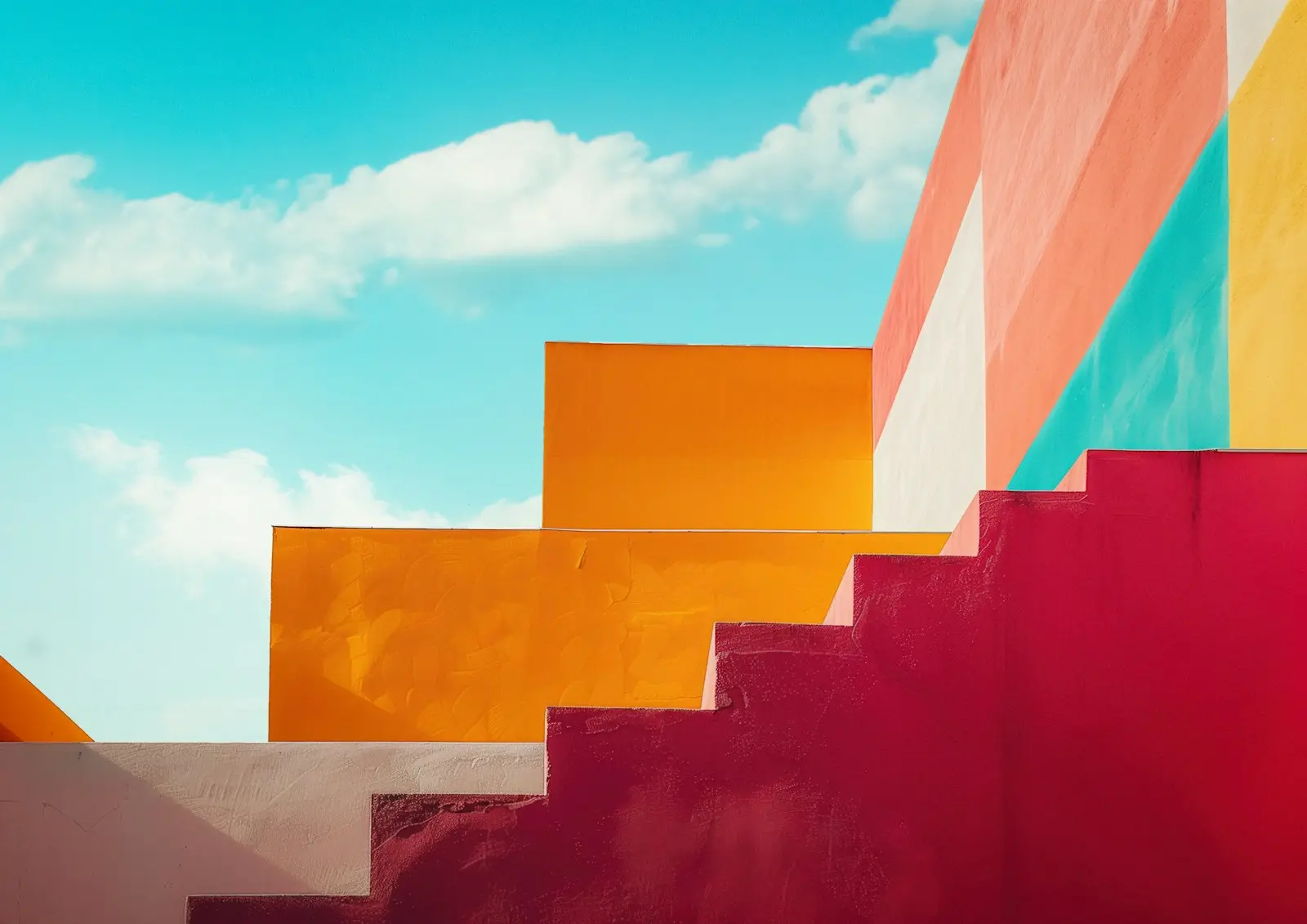
How your photo style takes shape.
01Show a reference
Upload your own photo or pick one from Unsplash.
02Choose variations
The AI creates suggestions. You mark the ones that fit.
03KaroStudio learns
Your picks become a fixed photo style, with rules you can see.
04One click
Upload a new photo. It's matched to your look right away.
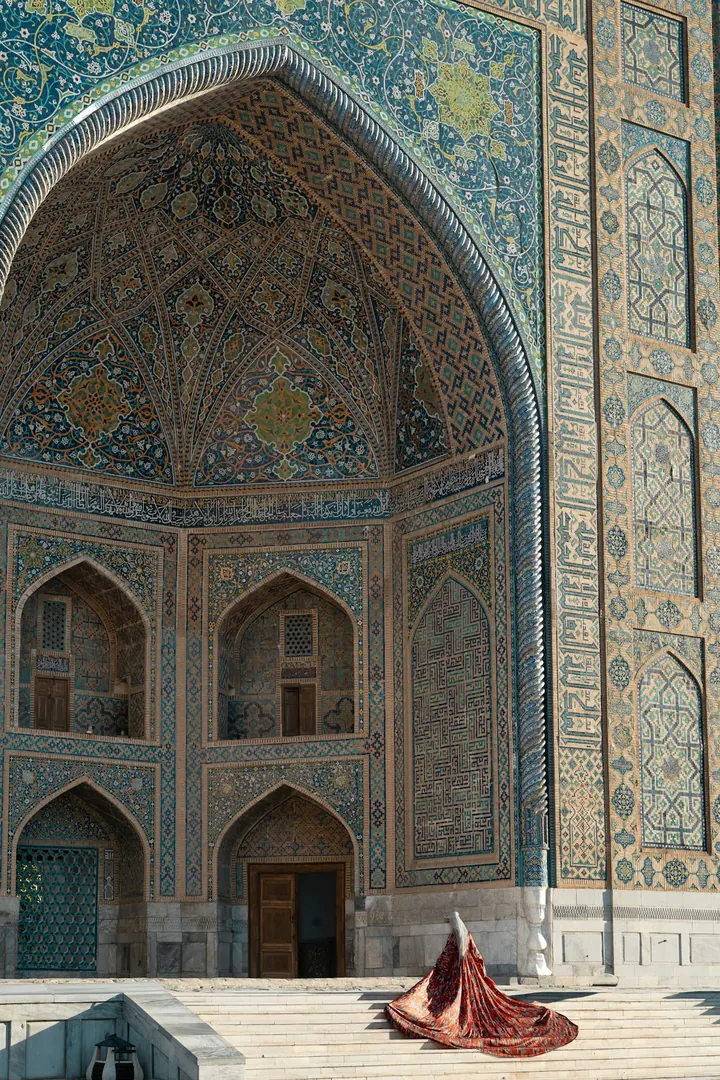
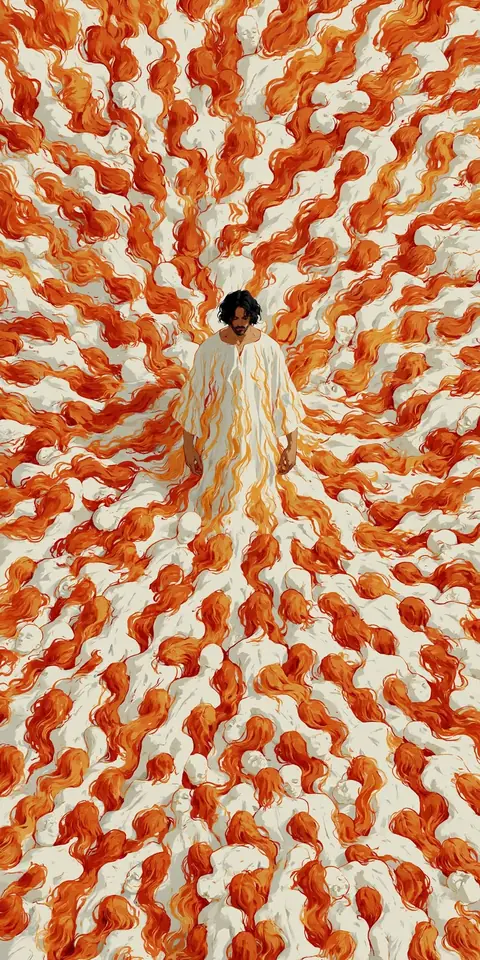
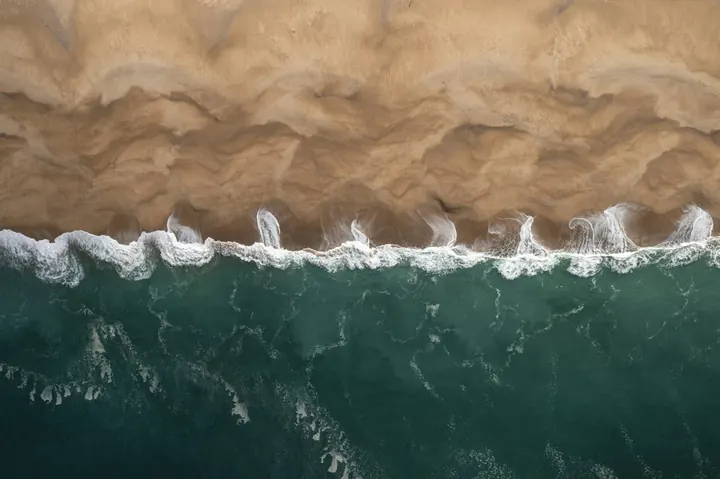
You choose. The AI learns.
KaroStudio shows you variations of your reference image. Mark the ones you like. That becomes your photo style.
2 variations selected. KaroStudio derives your look from them.
Your look. Change it anytime.
A bit brighter, more contrast, black and white instead? Move the sliders, and all future photos follow.

Upload. One click. Done.
Every new photo is matched to your look automatically, whether it's one or a hundred.
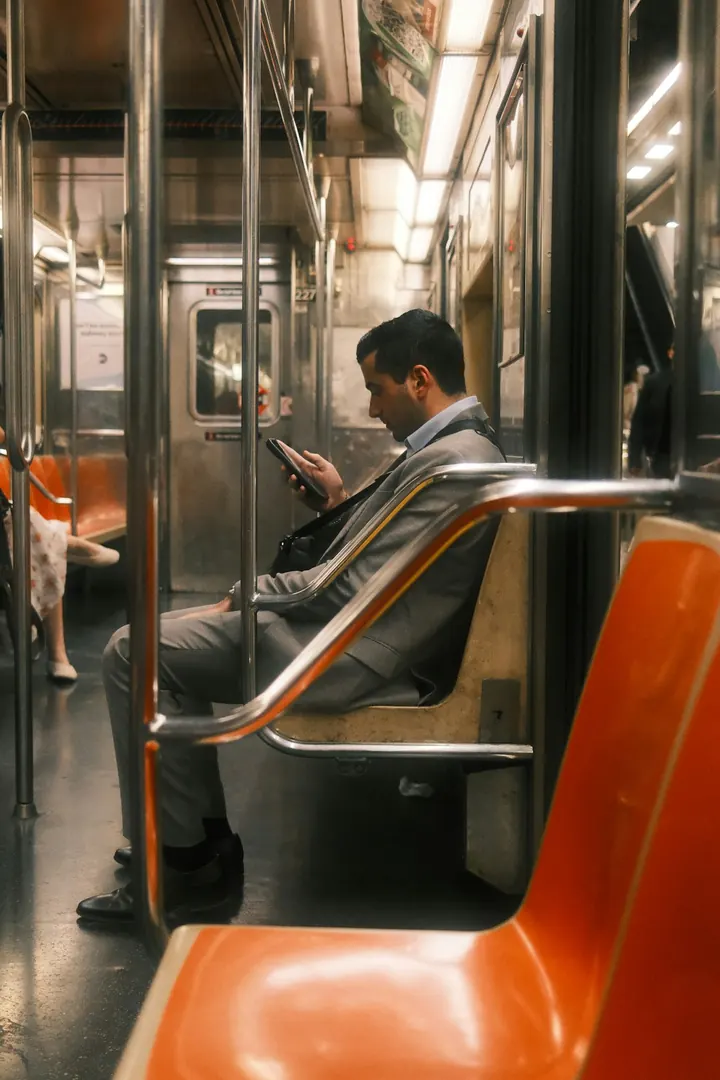
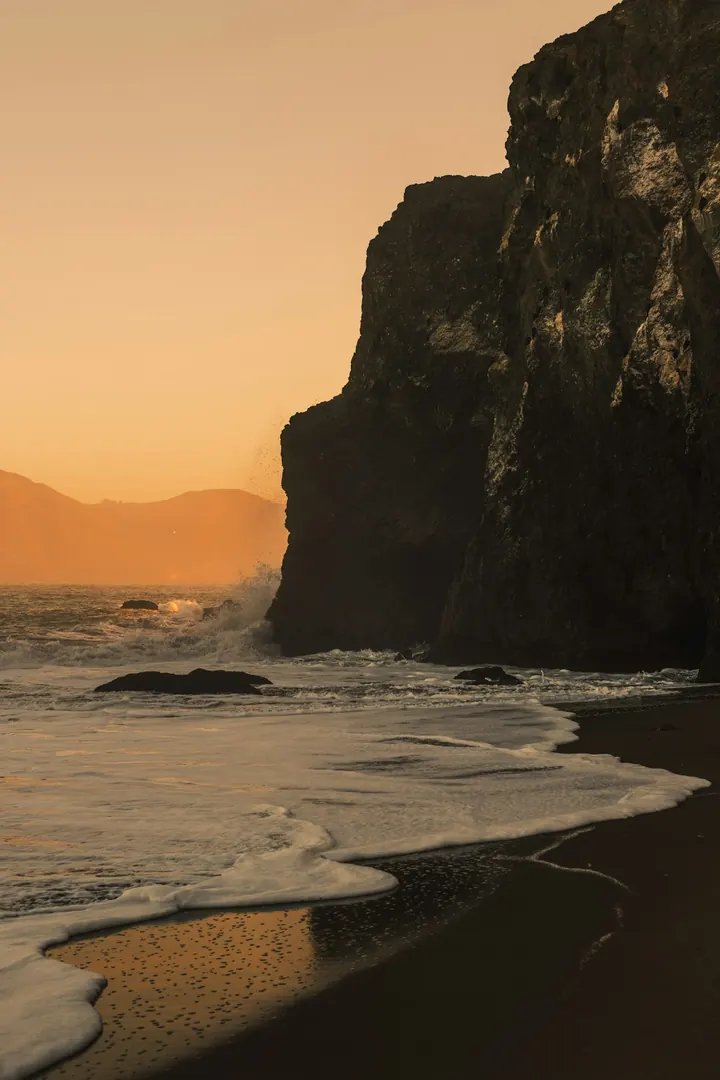
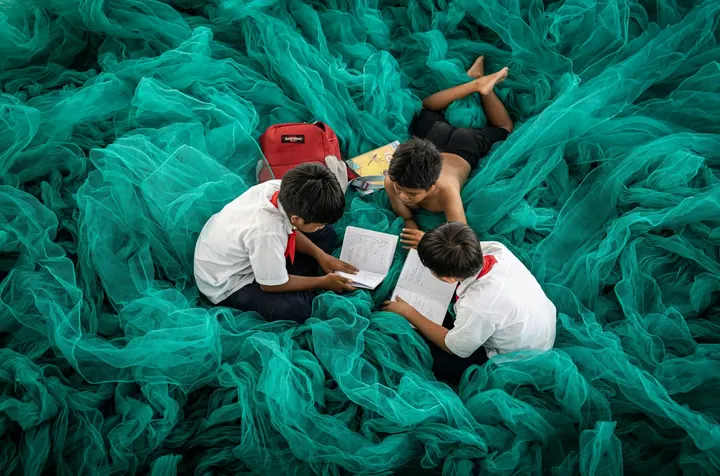
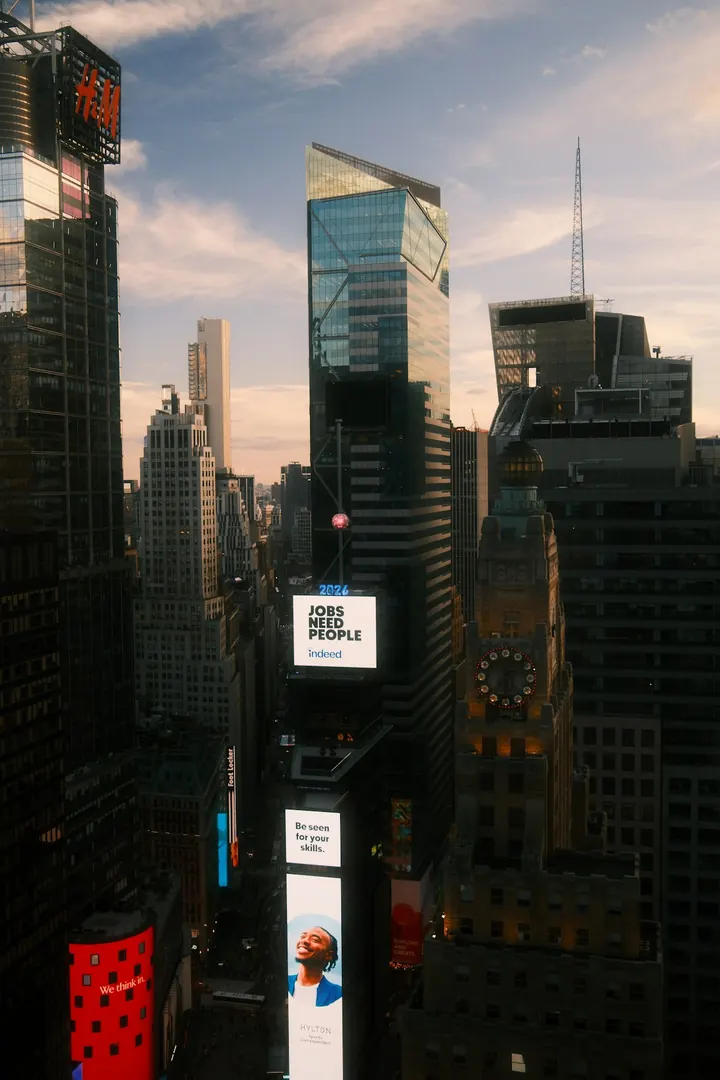
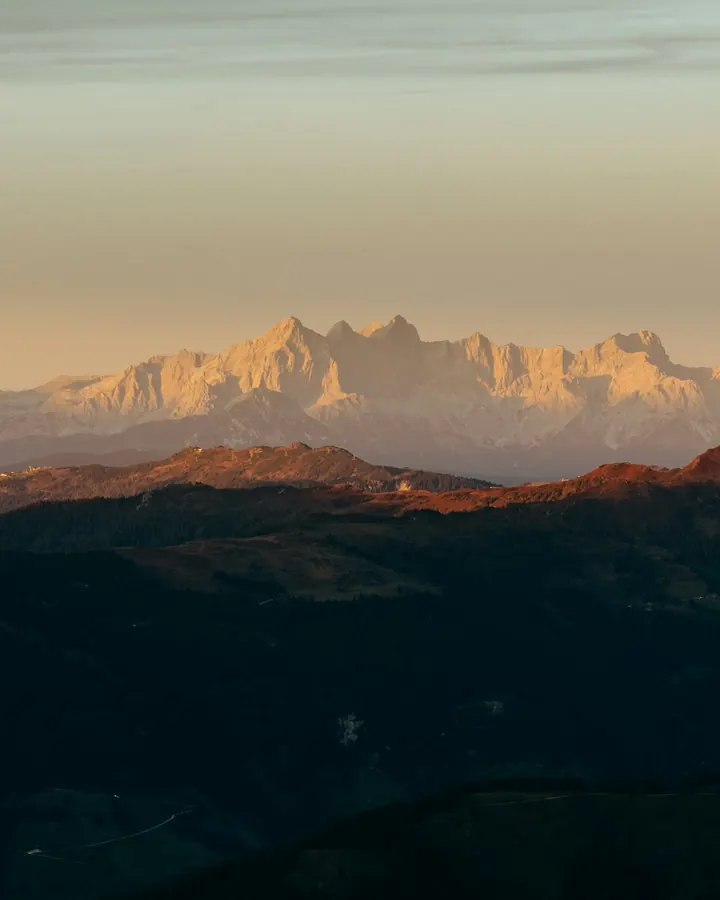
In and out. Simple as that.
References from anywhere, exports the way you need them.
Your references
- Upload your own imagesPNG, JPEG, WebP or SVG. Just drag them in.
- From your websitePaste the URL, and KaroStudio pulls in images, colors and fonts.
- MixCombine your own images and our templates freely.
Export
- PNG · always
- JPEG
Even more features.
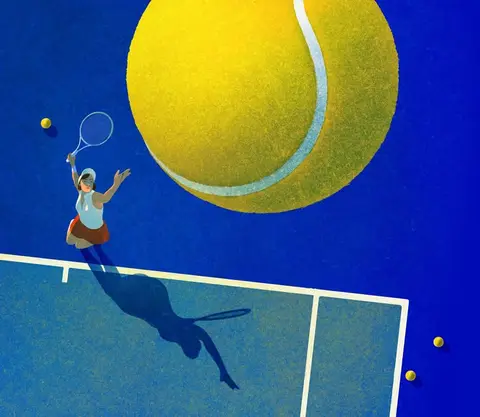 IllustrationsOne style from your illustrations, for every new subject.
 IconsWhole icon sets with matching lines, corners and colors.
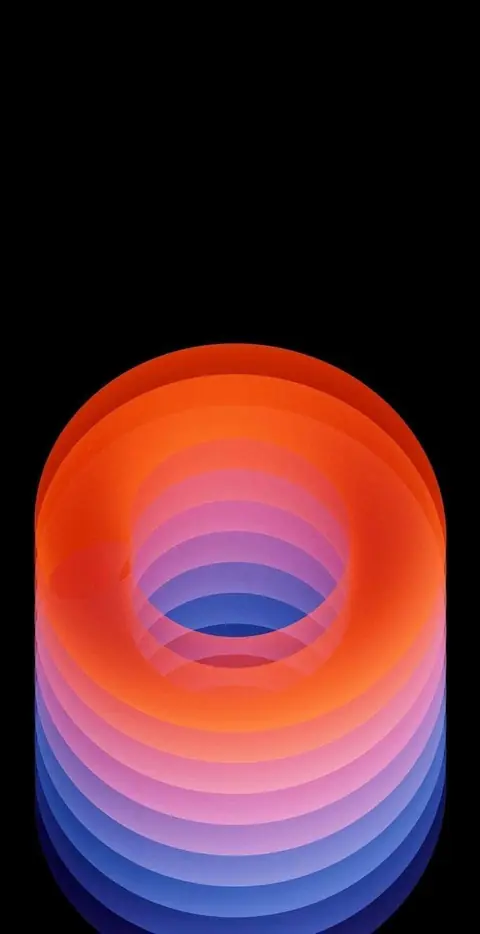 Wallpapers & ArtBackgrounds and artwork in every format.
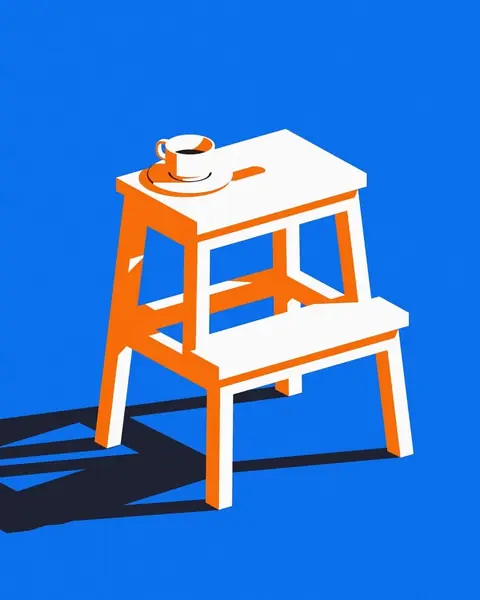 UpscaleSmall becomes big and sharp.
 Logo design · Coming soonLogo ideas in your style direction.
 MCP connectorClaude, ChatGPT and more create images in your style.
 VectorizePixels turn into clean SVG paths.
- Convert image formatsJPEG to WebP, AVIF or PNG, via drag and drop.
 Product placement · Coming soonRemove the background, place your product, build reels.
Your look, everywhere.
Show us a reference image. KaroStudio takes care of the rest.