Tell your AI. It paints in your style.
With MCP, Claude, Cursor, ChatGPT and other assistants create images directly in your style. One sentence in the chat is enough. Results land in your collection right away.

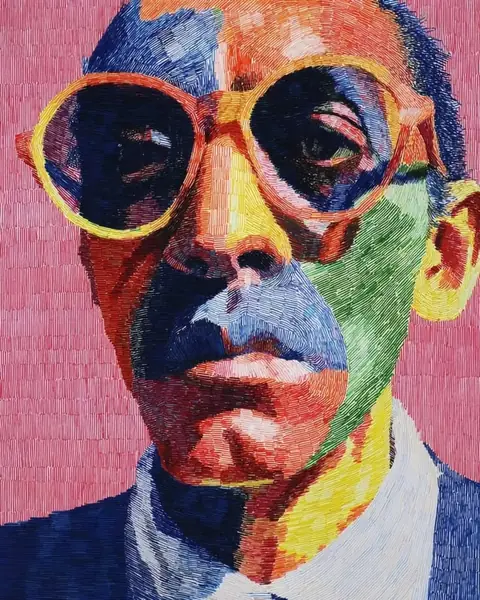
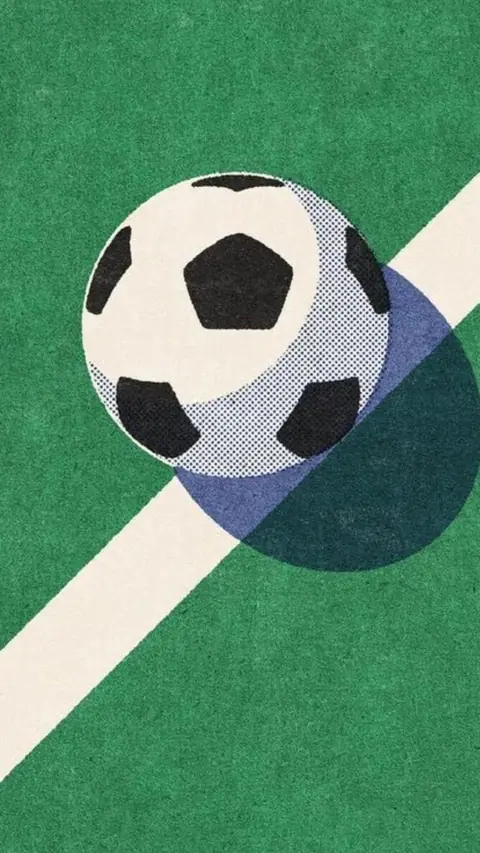
One sentence. Lots of images.
This is how you talk to your assistant. KaroStudio takes care of the style.
“Create 4 summer motifs in the Hafenküche style.”

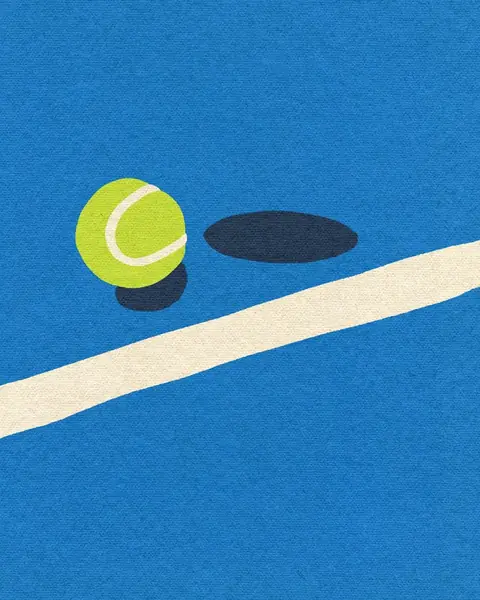
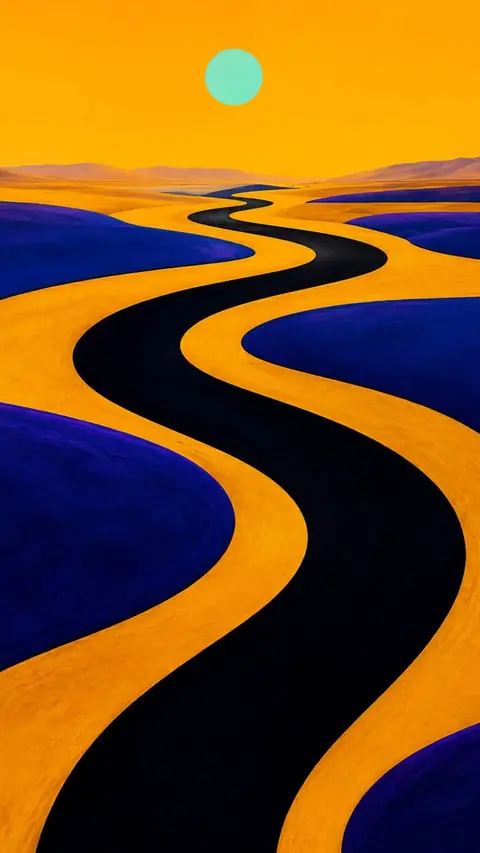
“Match these photos to our look.”

“Turn the logo into a clean SVG and upscale it.”

Three steps to connect.
01Create a token
In Settings under “MCP”, create a token for your project.
02Connect your assistant
Enter the address and token in your assistant. Done.
03Create in the chat
Describe what you need. The assistant uses KaroStudio.
What your assistant can do.
These tools are available via MCP, with your style working in the background.
create_imageIllustrations, photos, posts and icons in your style.
To Claude: “Make 4 summer posts.”
match_photosMatch existing photos to your look.
To ChatGPT: “Match these photos.”
upscale_imageEnlarge images up to 8×.
To Gemini: “Make this image 4× bigger.”
vectorize_imageOutput pixel images as SVG.
To Claude: “Logo as SVG, please.”
get_styleLook up your style's colors, lines and rules.
To ChatGPT: “Which colors do we use?”
search_collectionFind and reuse results.
To Gemini: “Show me all the boat motifs.”
convert_imageConvert to WebP, AVIF, JPEG, PNG or SVG, with quality and width.
To Claude: “All posts as WebP, please.”
- Soon
place_productRemove the product background and place it in a scene with your logo. Coming soon.
To ChatGPT: “Remove the bottle's background.”
- Soon
create_reelReels and stories from your product, fonts and colors. Coming soon.
To Gemini: “Make a launch reel.”
Set it up once, use it always.
Works the same for Claude Desktop, Cursor and any other MCP client.
{
  "mcpServers": {
    "karostudio": {
      "url": "https://mcp.karostudio.example/v1",
      "headers": { "Authorization": "Bearer <YOUR_TOKEN>" }
    }
  }
}- Your own keyEvery connection has its own token, revocable at any time.
- Locked rules stay lockedThe assistant uses your style but never quietly changes it.
- Only your projectAccess only to the project you share.
Even more features.
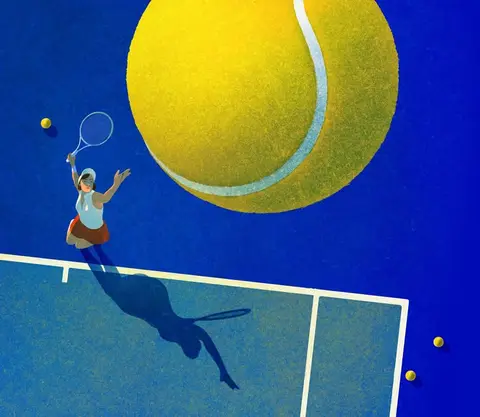 IllustrationsOne style from your illustrations, for every new subject.
- IconsWhole icon sets with matching lines, corners and colors.
- Photo matchingYour photo look in one click. No more Lightroom.
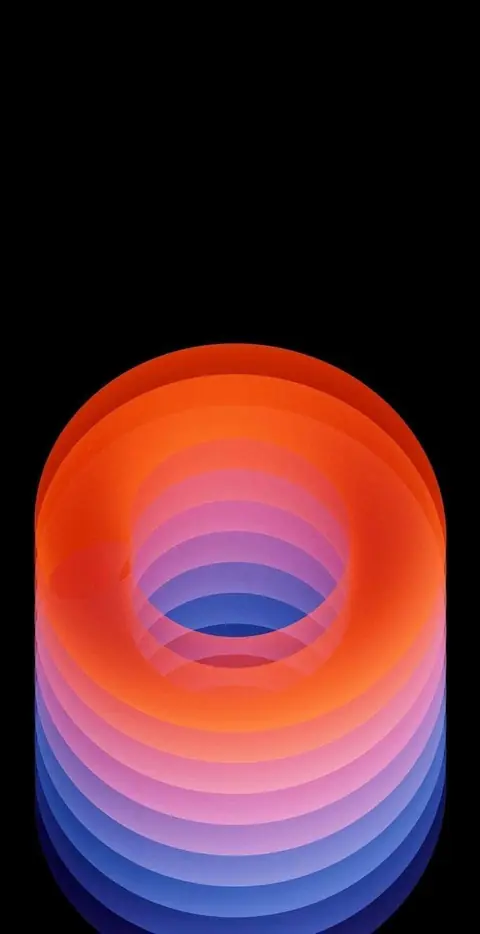 Wallpapers & ArtBackgrounds and artwork in every format.
- UpscaleSmall becomes big and sharp.
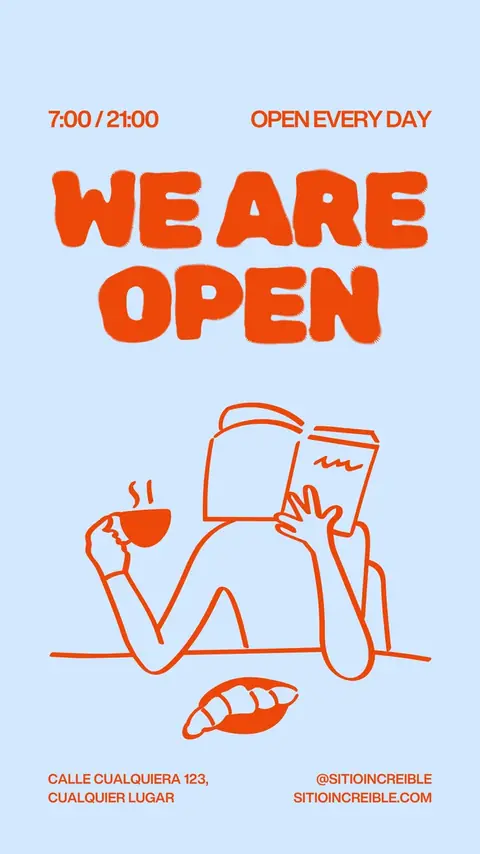 Logo design · Coming soonLogo ideas in your style direction.
- VectorizePixels turn into clean SVG paths.
 Convert image formatsJPEG to WebP, AVIF or PNG, via drag and drop.
- Product placement · Coming soonRemove the background, place your product, build reels.
Tell your AI.
Connect your assistant and create images right in the chat.